Submit your iPhone Duo app to the App Store
Apple opened App Store submissions for iPhone Duo apps on October 5. Which Xcode to build with, the new screenshot sizes, the April 2027 rule, and how to tell the App Store your app is ready for the fold.
On October 5, Apple told developers they can submit apps and games optimized for iPhone Duo in App Store Connect now. Pre-orders open October 16 and the phone is in stores October 23, so an update sent this week has time to clear review before the first customers open theirs. This page covers what to build with, what the App Store now asks for, and what it will ask for next year. How to make the layout right is in the simulator checklist and the design guide.
In short
- Build with Xcode 27.1. Its release candidate came out on October 5, alongside the announcement. Apple calls an app built with the iOS 27.1 SDK “optimized for iPhone Duo.”
- Submit the way you always do. iPhone Duo is an iPhone, not a new platform or a separate app.
- iPhone Duo has its own screenshot sizes, one for each display. They are optional today.
- From April 2027, every app or game submitted has to include iPhone Duo screenshots.
- To reach Apple’s editors, send a featuring nomination that says the app supports iPhone Duo and which poses it handles.
What Apple announced
Apple’s developer news post came in three parts:
- Build or recompile with Xcode 27.1, which adds development support for iPhone Duo, and check every pose and orientation in Device Hub.
- New App Store assets. Updated screenshot and app preview specifications include iPhone Duo. App Store Connect has a new preview tool that shows your screenshots, product page header and metadata as they will look on an iPhone Duo product page, and a new Asset Library to upload and organize them ahead of time.
- Submit. “You can submit your iPhone Duo optimized apps and games in App Store Connect today. Starting April 2027, any apps or games submitted will need to include screenshots for iPhone Duo.”
Until that day, Xcode 27.1 had only been a beta, released September 18. Apple doesn’t take App Store submissions built with beta tools, so a Duo build could run in the simulator but couldn’t go on sale. The release candidate, build 27A9275, is the one to archive with now.
Which SDK, and what each one gets you
Every app already on the App Store runs on iPhone Duo. How much of the inner display it gets depends on the SDK it was linked against, as Apple’s engineers laid out in the September group lab:
| Built with | On iPhone Duo |
|---|---|
| Xcode 26 | An iPhone-shaped window with black borders on the inner display. It does not react to the seated pose. |
| iOS 27 SDK | The app resizes. Apple: “Apps built with the iOS 27 SDK and later resize dynamically on iPhone Duo.” |
| iOS 27.1 SDK | Apple: “Apps built with the iOS 27.1 SDK or later are optimized for iPhone Duo.” The app reaches the screen edge and standard bar buttons move to the side. |
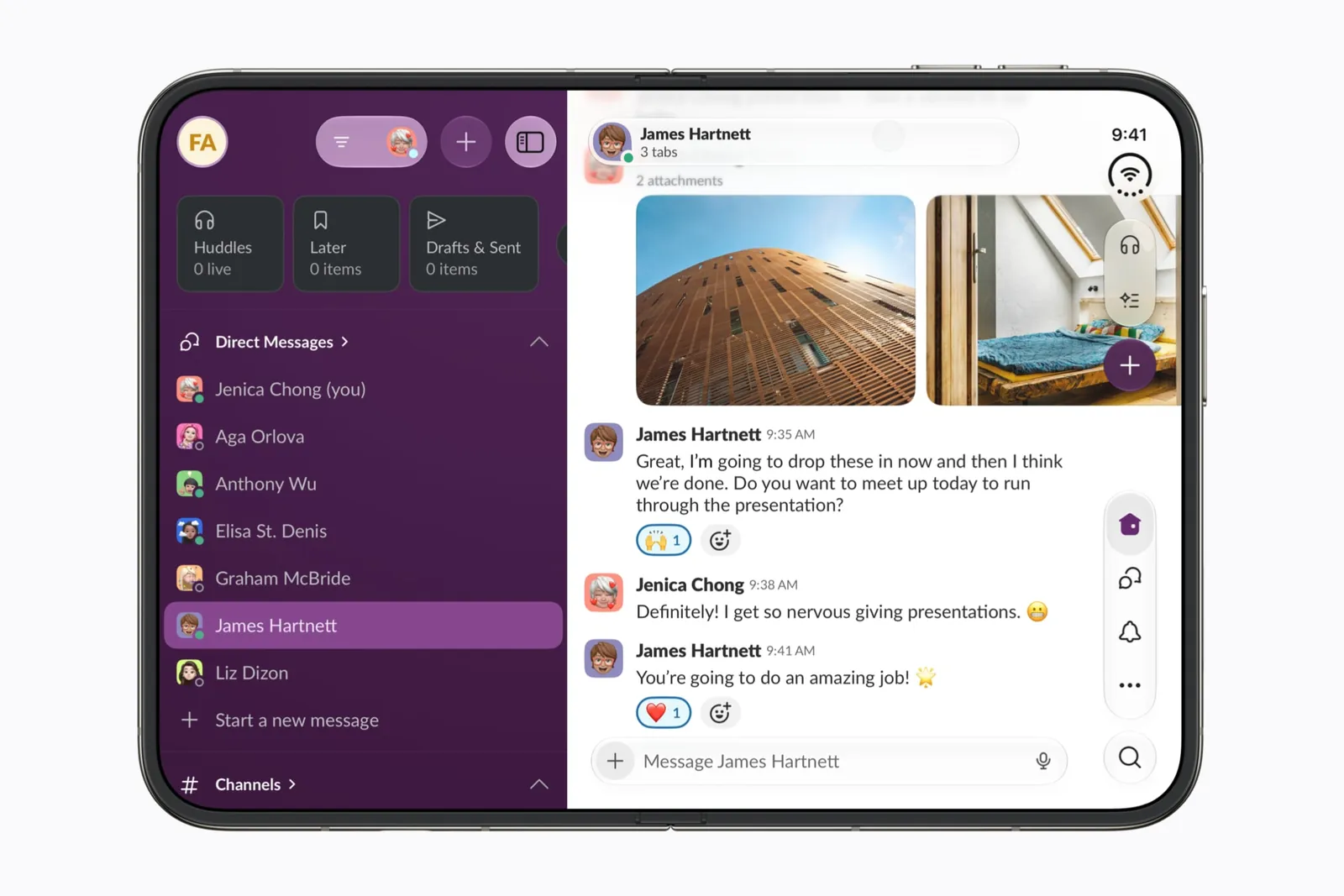
Recompiling is the start, not the finish. A layout that stretches across the fold, or a custom toolbar that stays at the bottom, will ship exactly as it looks in the simulator. Run the checklist before you archive.
Apple also ships a coding-assistant skill for this. In Xcode, ask the assistant to “get my app ready for iPhone Duo” and it scans the project for the patterns on Apple’s prepare page. For another coding agent, run xcrun agent skills export to export it.
Screenshots and app previews
App Store Connect now lists iPhone Duo display sizes:
| Display | Portrait | Landscape |
|---|---|---|
| Outer | 1398 × 2034 px | 2034 × 1398 px |
| Inner | 2007 × 2853 px | 2853 × 2007 px |
The outer size matches the outer display. The inner one is larger than the 1878 × 2670 pixels Apple lists for the inner display on its spec page, so check the size of a simulator capture before you upload it.
They aren’t required yet. The only required iPhone screenshots are still at least one for iPhone with Dynamic Island (medium display). If you leave the iPhone Duo slots empty, the App Store scales your screenshots for iPhone with Face ID (large display) instead. That changes in April 2027, when every submission needs iPhone Duo screenshots.
There’s no reason to wait if the app has a Duo layout. Apple’s prepare page suggests screenshots and app previews “that highlight your app across orientations.” A scaled single-screen shot can’t show the outer display, the split across the fold or the standing pose, and those are the reasons someone with a Duo picks your app over another. Use the preview tool in App Store Connect to check how they look on the product page, in Dark Mode and both orientations, before you submit. App preview video sizes are on Apple’s app preview specifications page.
For making the images, Apple has design guidance and downloadable templates on its asset best practices page. framegrove, a free, open-source screenshot editor from tech-bam, has separate iPhone Duo inner, outer and inner-landscape templates, with a command-line tool and an MCP server for agents.
Tell the App Store about it
The App Store won’t know from your binary that you designed for the fold. Apple’s prepare page points to the featuring nomination in App Store Connect: “In the Helpful Details section, you can specify that your app is optimized for iPhone Duo, including support for all device poses.” Name the poses you handle and what each one does. Say so in the release notes and the description too, since that’s what customers read.
Apple is also running in-person iPhone Duo workshops. Registration is on Apple’s developer events page.
And tell us
FoldHunt lists apps by the evidence behind them: an Apple launch partner, a developer’s own claim with a video, or an app we have seen on the simulator. If your iPhone Duo update is submitted, send it in with a clip of it opening and folding, and we will add it before the phone reaches stores.
Keep reading
iPhone Duo app ideas: 6 things builders are doing with the fold
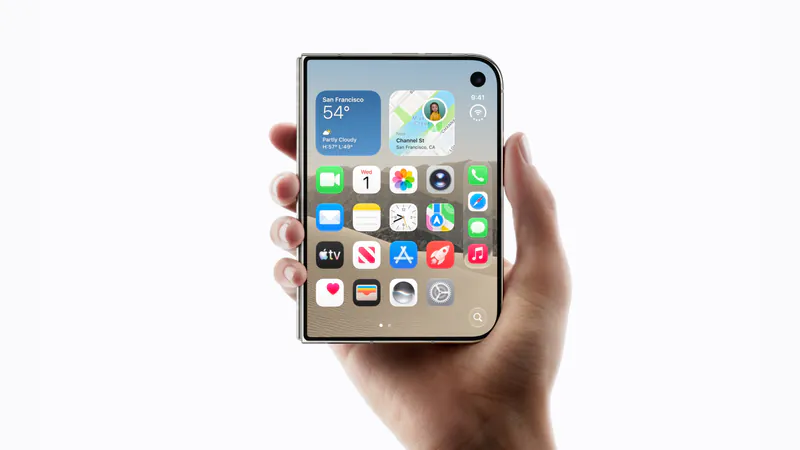
Over 300 demos, concepts and prototypes for iPhone Duo, sorted into the six patterns that keep coming up, from the half-folded laptop to the hinge as a controller. A starting point if you're deciding what to build.
Does iPhone Duo run iPad apps? The Duo and the iPad mini
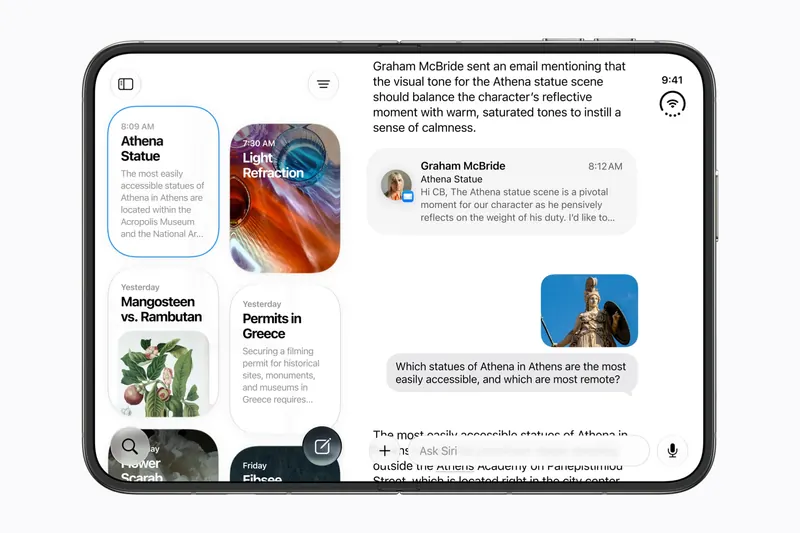
iPhone Duo's inner display is nearly iPad mini sized, but it runs iOS, not iPadOS. What that means for iPad-only apps, why many Duo apps will look like their iPad versions, and what the Duo borrows from iPad.
iPhone Duo games: what's coming, and what the fold does for play
Which games have been shown on iPhone Duo, how un-updated games look on the open display, and the new kinds of play builders are making with the hinge, the half fold and two screens.