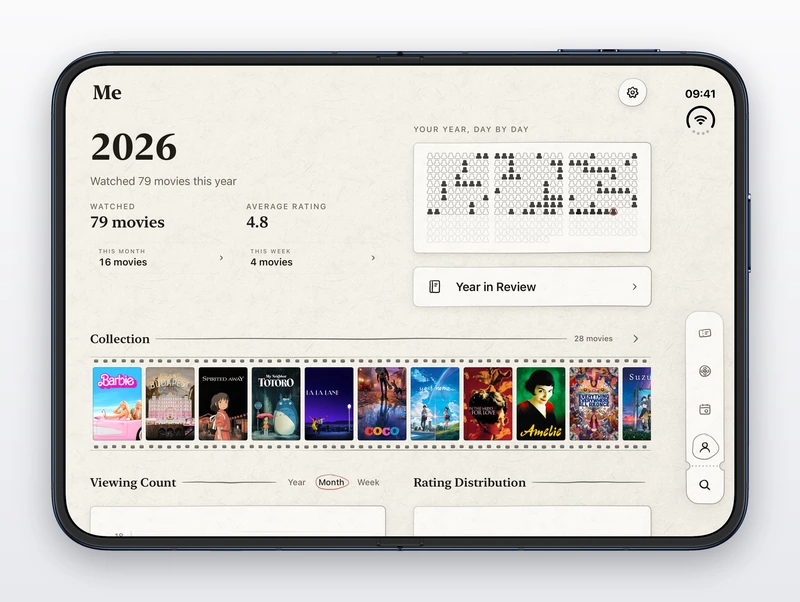
Adapt your app for iPhone Duo with a coding agent
Adapt an iOS app for iPhone Duo with Claude Code or Codex: script the Xcode 27.1 simulator to fold, rotate and screenshot it, and use measured layout rules.
Oct 26Read the guide
Sourced and practical. Which apps work on iPhone Duo and how you'll hold it, plus what we've learned about designing and building for foldables, including what developers found when they adapted their own apps.
199 developer tools for iPhone Duo: MCP servers, agent skills, libraries and sample code
Adapt an iOS app for iPhone Duo with Claude Code or Codex: script the Xcode 27.1 simulator to fold, rotate and screenshot it, and use measured layout rules.
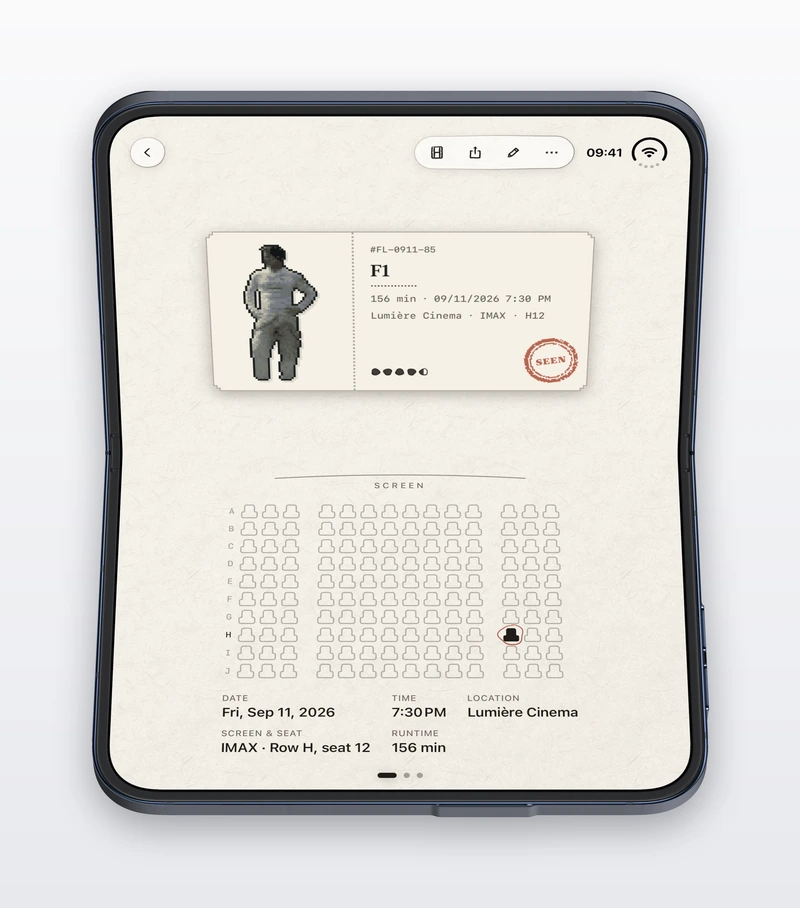
What iPhone Duo animates for you when it opens, shuts, turns and bends, the one change it leaves to your app, and how to animate that one. From frame-by-frame films of a real app.
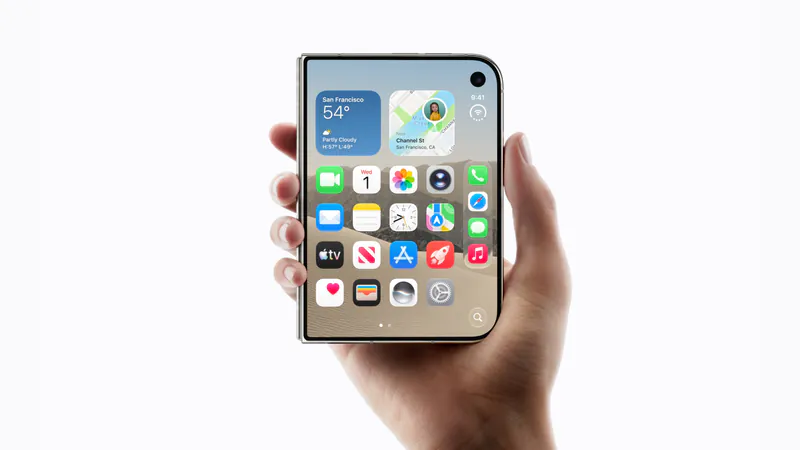
Over 700 demos, concepts and prototypes for iPhone Duo, sorted into the six patterns that keep coming up, from the half-folded laptop to the hinge as a controller. A starting point if you're deciding what to build.
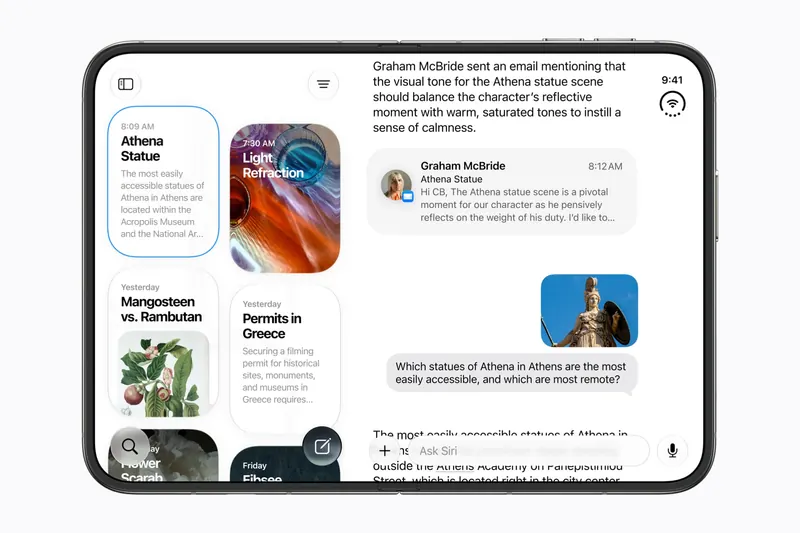
iPhone Duo's inner display is nearly iPad mini sized, but it runs iOS, not iPadOS. What that means for iPad-only apps, why many Duo apps will look like their iPad versions, and what the Duo borrows from iPad.
Which games have been shown on iPhone Duo, how un-updated games look on the open display, and the new kinds of play builders are making with the hinge, the half fold and two screens.
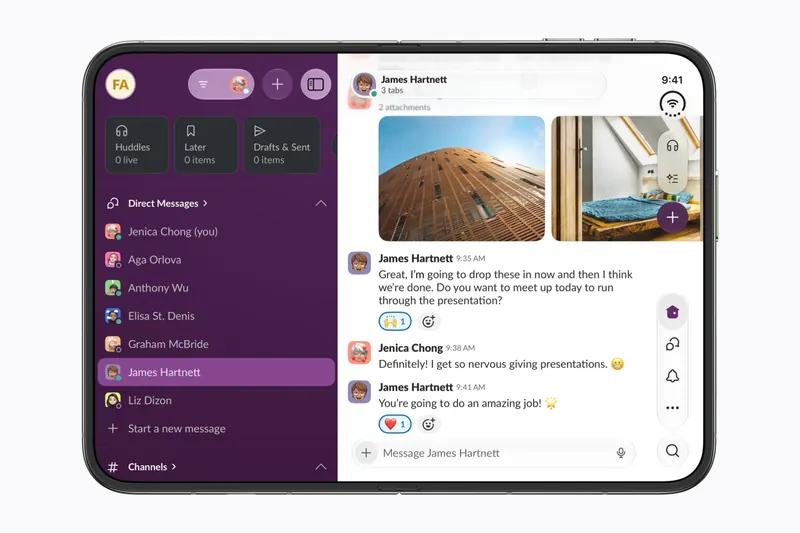
The apps worth installing now that iPhone Duo is on sale, from the apps Apple named as launch partners to indie apps whose developers have shown a real iPhone Duo layout, picked for what they do when you open the phone.
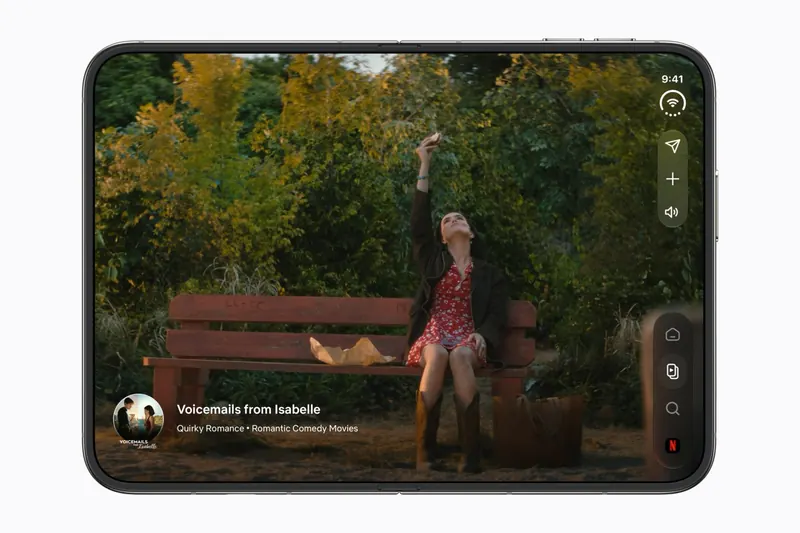
Every iPhone app opens on iPhone Duo, but only updated ones fill the inner display. What an app looks like before its developer adapts it, how to tell which are ready, and which popular apps have said so.
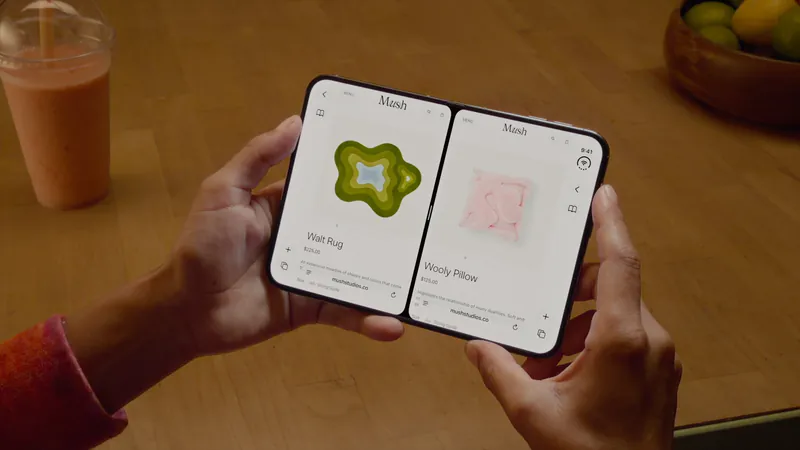
iPhone Duo is the first iPhone that can show two apps at once. How Split View works, what its limits are, and which apps are built to share the screen.
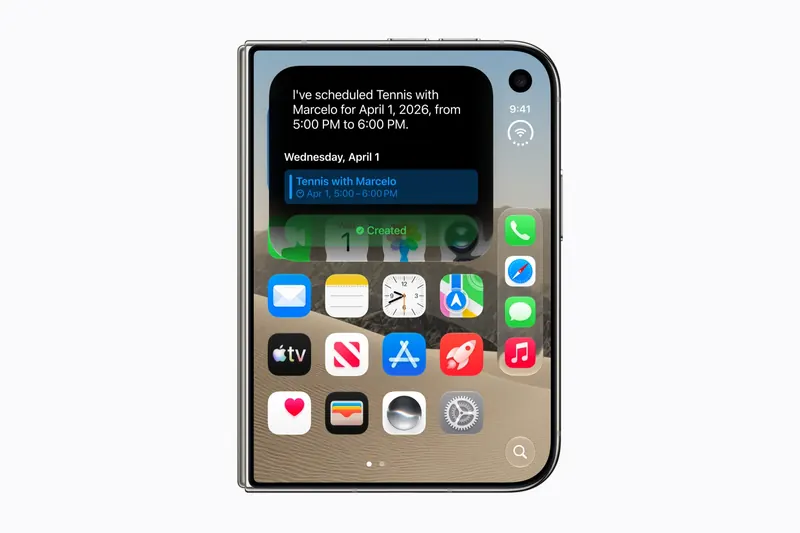
Apple opened App Store submissions for iPhone Duo apps on October 5. Which Xcode to build with, the new screenshot sizes, the April 2027 rule, and how to tell the App Store your app is ready for the fold.
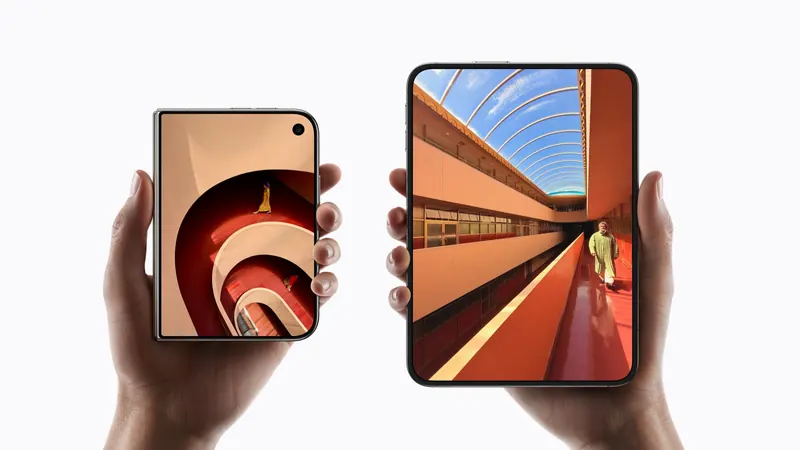
A plain-language guide to the ways you will hold iPhone Duo, what the phone itself does in each, and the apps and ideas that make the most of them. For anyone buying one, and for anyone building for it.
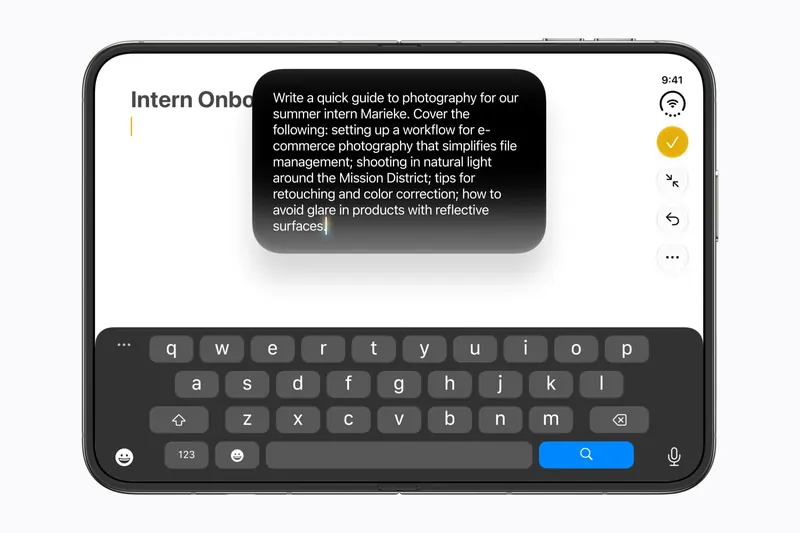
What the fold looks like from React Native, Flutter, a web page and a WebView. What every stack gets for free, which bridges expose the hinge and the fold, and what still needs Xcode.

Two front cameras, the Virtual Front Camera, the direction coordinator, and the camera capture accessory, the one way an app can use both displays at once.
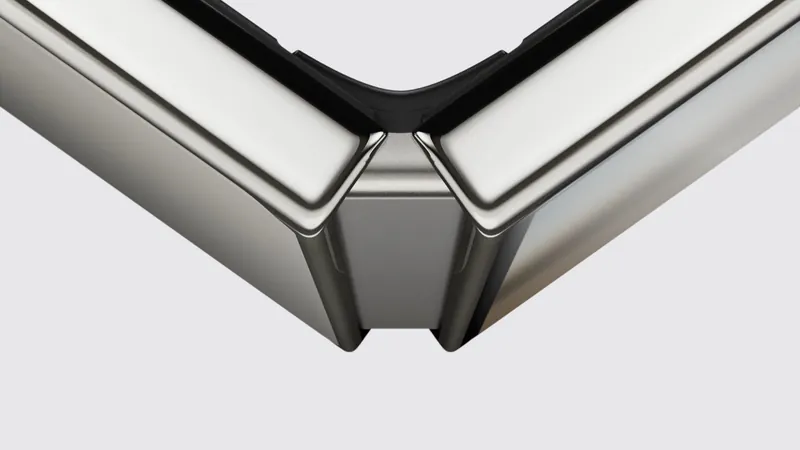
Read the hinge with onHingeChange, then turn the angle into a position, a speed or a snap. How developers built hinge games, the fallbacks they shipped, and how to test without hardware.
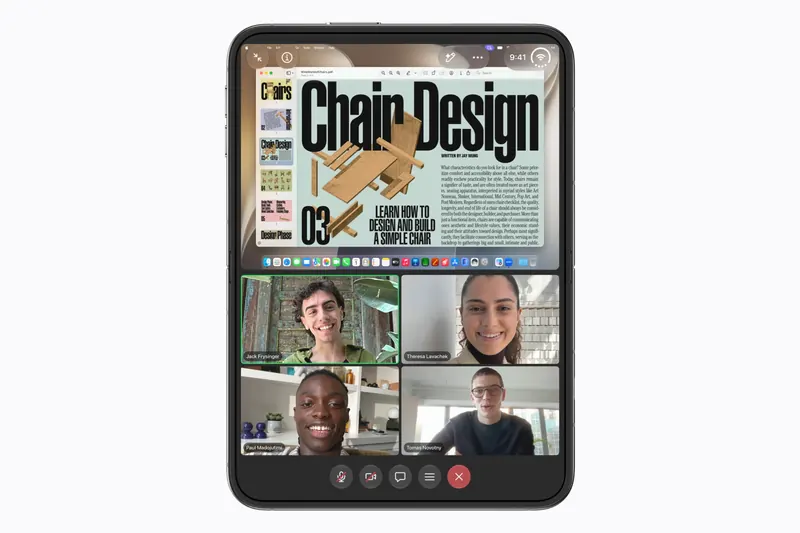
Reserved regions, ArrangementView, and the hinge-angle API. How to keep controls off the crease, and when a second display or a second window is actually available.
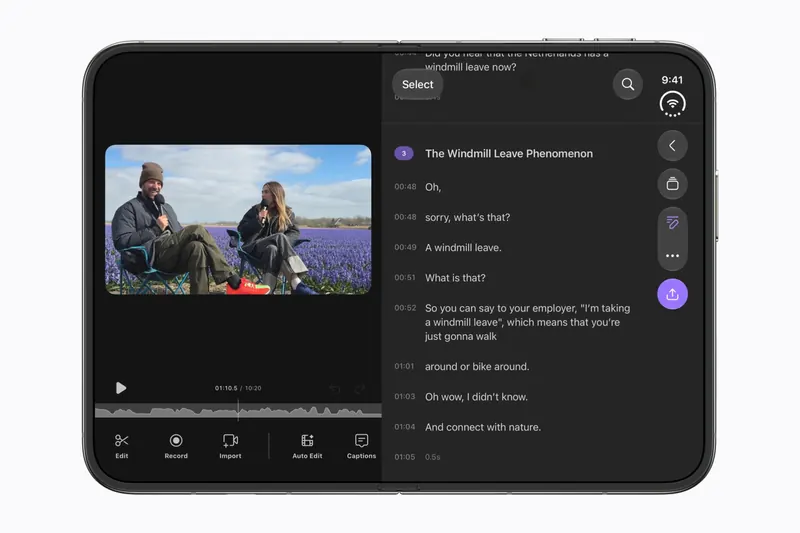
How iPhone Duo moves navigation, toolbars, and tabs to the side, which containers qualify, and how to place sheets and floating buttons.
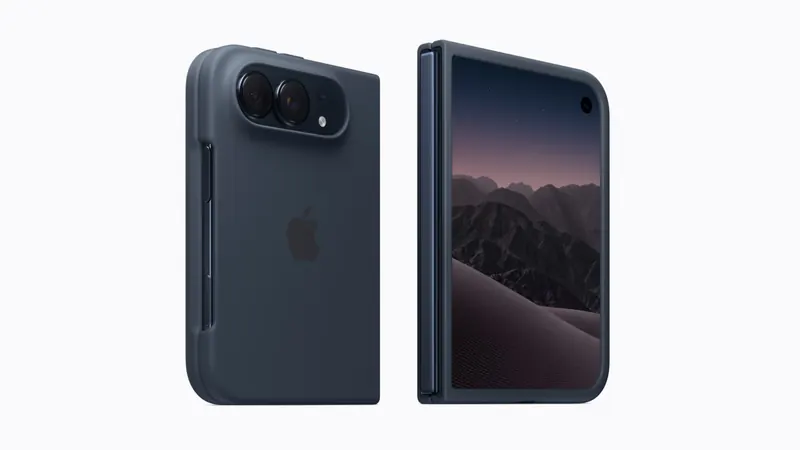
How to get Apple's iPhone Duo simulator, fold it to any pose or hinge angle, and test your app, plus the simulators you can try without a Mac.

Lay out one app for both iPhone Duo displays. Size classes, the wide inner canvas, floating controls, and what the system already moves for you.
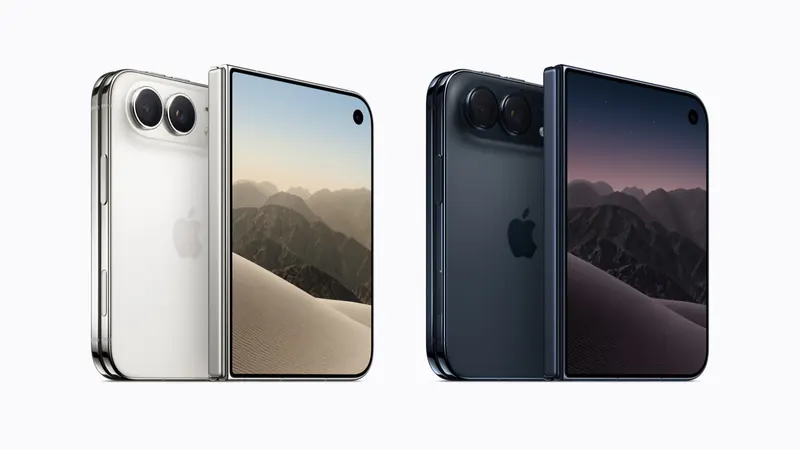
Outer and inner display sizes in pixels and points, density, and the physical dimensions of iPhone Duo, plus what not to hardcode from them.