Cameras and the outer display on iPhone Duo
Two front cameras, the Virtual Front Camera, the direction coordinator, and the camera capture accessory, the one way an app can use both displays at once.
iPhone Duo is the first iPhone with two front cameras, and its two displays can face opposite ways, so “front” no longer means “facing the person holding it”. The camera is also the only way an app in the iOS 27.1 SDK can draw on both displays at the same time. This page covers both, from Apple’s camera and multiple-displays sessions and from developers who have built against them.
In short
- Ask for a front camera as usual and you get the Virtual Front Camera, which switches between the outer and inner cameras for you at 1080p60, without depth.
- Both front cameras report
.front. UseAVCaptureDeviceDirectionCoordinatorto learn which camera actually faces the person. - The outer display, while the phone is open, is available to your app only through
CameraCaptureAccessory, only full screen, only with a live camera session. - Keep previews upright with
AVCaptureDeviceRotationCoordinator, and keep controls clear of the under-display camera’s reserved region. - None of it runs in the simulator. Plan a hardware pass for October 23.
Two front cameras, and a virtual one
On the back, Duo carries the 48 MP Fusion Main and 48 MP Fusion Ultra Wide cameras from iPhone 18 Pro, with 4K at 120 fps in Dolby Vision, and they double as selfie cameras when the open phone is turned around. The new part is the front. Both front cameras are square sensors with an ultrawide field of view.

| Outer front camera | Inner front camera | |
|---|---|---|
| Where | In the outer display | Under the inner display |
| Device type | .builtInOuterUltraWideCamera |
.builtInInnerUltraWideCamera |
| Video | Up to 4K at 120 fps | Up to 1080p at 60 fps |
Ask a discovery session for a front wide or ultrawide camera, as you would on any iPhone, and on Duo you get the new Virtual Front Camera. It switches between the two for you: the inner camera when the phone is open, the outer one when it is closed. The price is the common ground between them, 1080p at 60 fps, and no depth. Depth is only available from a physical camera. Use one directly and your app does the switching when the phone opens or closes.
The inner camera is the first under-display camera on an iPhone, and Apple’s guidelines say it stays hidden until the camera is active. Layout sees it as a reserved region: Blake Crosley’s probe found it reported as an inactive occlusion on the open display. When your session uses it, assume that region matters and keep controls clear of it. The fold guide shows how to read it.
Front doesn’t mean facing you
AVCaptureDevice.position has always been front or back, and both front cameras report .front. On Duo that isn’t enough. Open the phone while streaming from the outer front camera, and that camera now faces away from you. Close it, and the same camera swings round to face you. Turn the open phone around, and the rear cameras face you, which is how Duo takes selfies with its rear cameras.
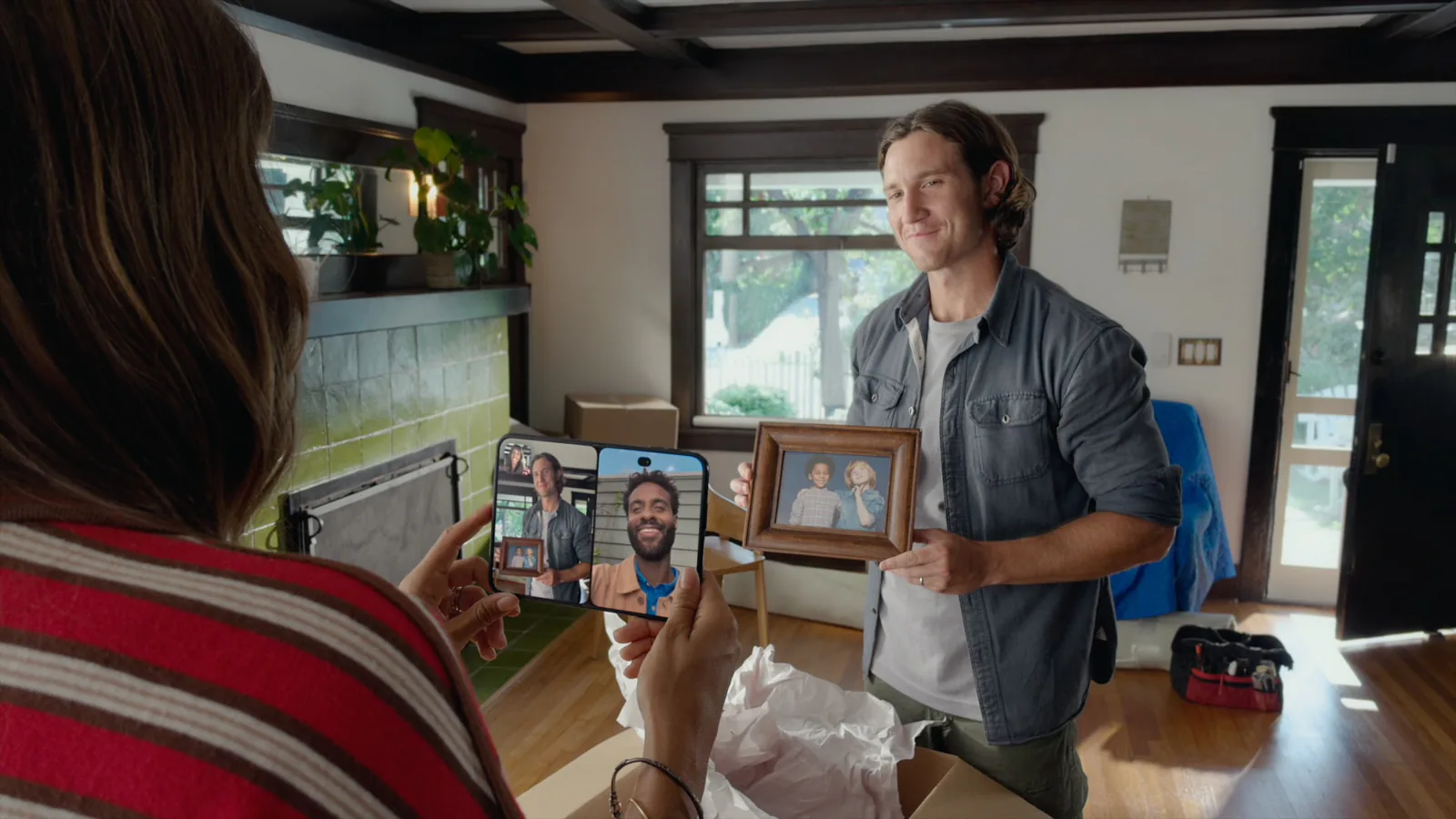
AVCaptureDeviceDirectionCoordinator, in AVKit, keeps track. Give it the view your camera UI lives in, the device types you care about, and a handler:
directionCoordinator = AVCaptureDeviceDirectionCoordinator(
    view: view,
    deviceTypes: [
        .builtInOuterUltraWideCamera,
        .builtInInnerUltraWideCamera,
        .builtInDualWideCamera,
    ],
    changeHandler: { [weak self] map in
        self?.updateCameraSession(map)
    }
)
Directions are relative to that view. While it is on the outer display, the outer front camera faces forward and the rear cameras face away. Open the phone, the view moves to the inner display, and the handler fires: now the inner front camera faces forward.
The coordinator is tied to a view, so it lives on the main actor, and the handler shouldn’t call AVFoundation directly. It hands you AVCaptureDeviceDescriptor values rather than devices. A descriptor is sendable and carries what you need to create the device, so pass it to the actor that owns your capture session. In the handler:
- Reconfigure the session to stream from the camera that now faces forward.
- Mirror the preview when a rear camera is the one facing forward, so a rear-camera selfie feels like a selfie.
- Update the UI for the camera you switched to.
Apple’s article “Choosing a Camera by the Direction it Faces” has the details.
Both displays at once
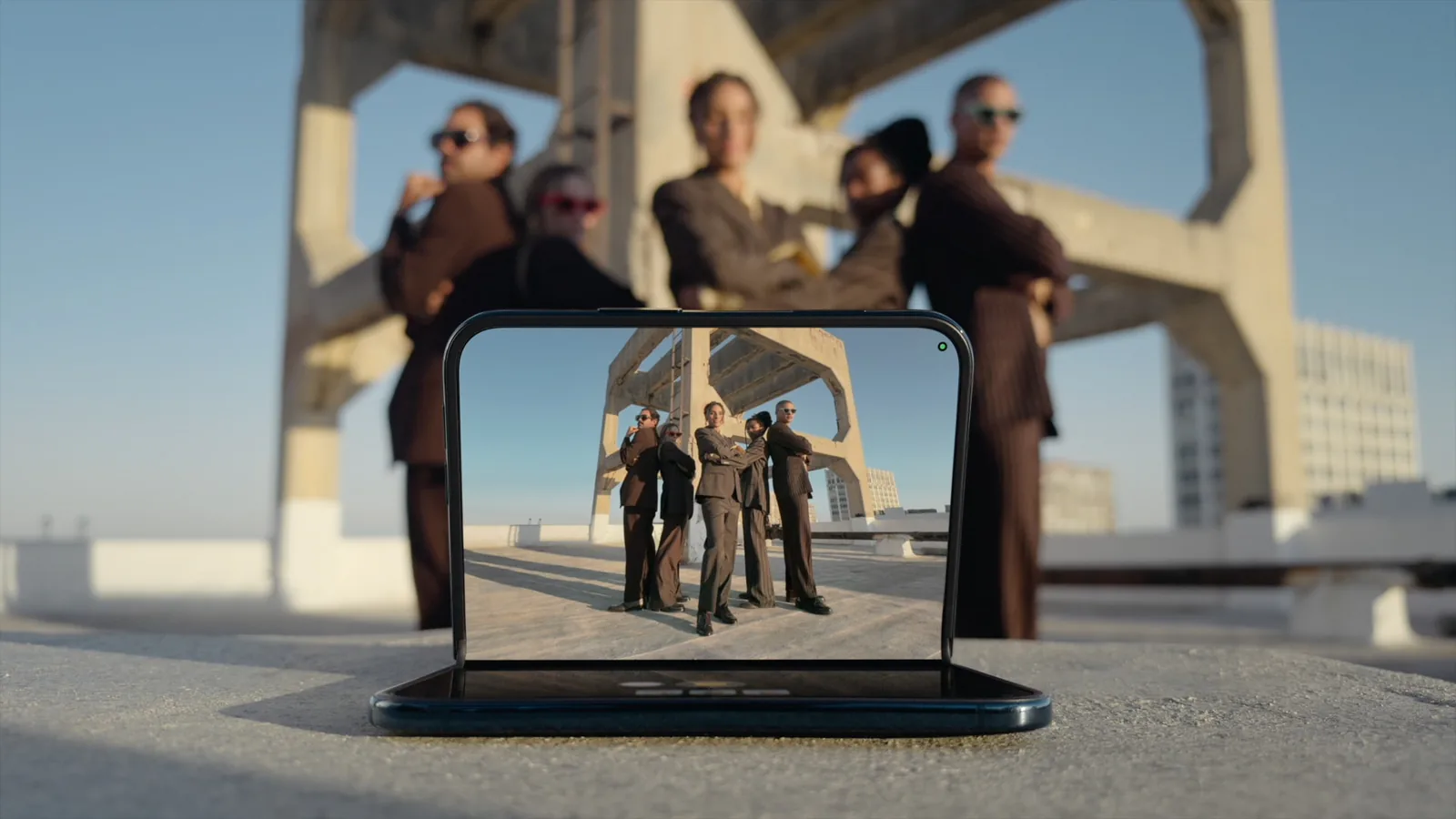
Apple’s own camera features show what the outer display is for while the phone is open. Duo Preview shows the people you’re photographing their framing. Kid Cue plays Peanuts animations so a child looks at the lens. Duo FaceTime lets the people with you join the call, and Dual Capture in FaceTime sends the front and rear feeds at once. Your app gets that surface through a scene accessory, and for now there is one kind that does it: CameraCaptureAccessory.
struct CameraRootView: View {
    @State private var model = TeleprompterModel()

    var body: some View {
        CameraView(model: model)
            .sceneAccessory {
                CameraCaptureAccessory(isEnabled: $model.isEnabled) {
                    TeleprompterView(model: model)
                }
                .onAvailabilityChange { available in
                    model.isAvailable = available
                }
            }
            .toolbar {
                TeleprompterToggle(isEnabled: $model.isEnabled)
                    .disabled(!model.isAvailable)
            }
    }
}
That’s Apple’s teleprompter from the multiple-displays session: the script on the outer display, facing the person being filmed. The rules come with it:
- The accessory is only available while your app is full screen on the inner display and has an active camera session. Split View doesn’t count, and closing the phone takes it away.
- Register it on the same view as your camera UI, so it shows only while that view does.
- Availability changes under you.
onAvailabilityChangeis how the toggle disables itself when the phone closes. - The accessory is a second view on a second display, so give it its own direction coordinator. Each coordinator reports directions relative to its own view, which means the rear cameras face forward for the outer display’s view.
Anton Gubarenko’s notes from the September group lab add that the app needs the relevant entitlement as well, and that the entitlement alone doesn’t light the outer display. Without a camera session, there is no outer display while the phone is open.
CharaDUO, a charades game by ryo, shows an idea meeting that rule and turning it into a feature: the describer reads the word on the inner display, and the guessers across the table watch the outer display for the category, the countdown and a row of emoji as long as the answer. Because the outer display needs a camera session, the game gives the camera a job: a reaction camera records the guessers into a highlight reel shown at the end of the match. It asks for the camera only on iPhone Duo, which it recognizes by the outer ultrawide camera or a hinge report, and the game still plays on one screen on any iPhone. In the tabletop pose it also turns the outer display a quarter turn, so the text reads upright for the people facing it.
If your idea needs the outer display while the phone is open, make sure a camera belongs in it before you build the rest.
Fill the display, keep it upright
- Streaming the rear camera’s full field of view on the inner display leaves room around the preview. Offset the preview and group your controls in the space left, or let the preview fill the display.
videoGravityonAVCaptureVideoPreviewLayerdecides how the preview fills its layer. - The front cameras’ square sensors can fill the wide inner display. Choose a landscape ratio with the device’s
dynamicAspectRatio. Apple’s WWDC26 session on the Center Stage front camera covers the square sensor. - Adopt
AVCaptureDeviceRotationCoordinatorto keep previews and photos upright. On Duo it updates when your app moves between displays. Once it is in place, turn offisCameraSensorOrientationCompensationEnabledon the photo output for better performance. That compensation is on for every Duo front camera.
Chad Etzel’s NeoCam handles the fold as well. The viewfinder takes as much room as it can while the phone is flat, and moves into an ArrangementView when the phone folds, so it stays on one plane.

a cool iPhone Duo layout I've landed on for NeoCam: when completely open, the viewfinder takes up as much room as possible, but when folded, it switches to an ArrangementView to keep the viewfinder on one plane
Plan a hardware pass
The simulator can’t run a capture session, so none of this can be seen working until the hardware ships. CharaDUO’s developer checked the reaction camera with synthetic frames and debug-only overrides, and lists what is still unproven: the direction coordinator in the accessory scene, the input swap when the hinge moves, keeping the footage level, and heat over a long match. Ihor Malovanyi’s companion code for the Duo book likewise marks its camera chapters as needing a device.
Put those on your list for October 23, along with where the outer camera really sits. CharaDUO found that the simulator’s safe-area insets on the outer display don’t match where it draws the camera.
Until then, you can still check what your app draws on the closed phone. The simulator has a separate framebuffer for each display, and CharaDUO’s README captures the outer one like this:
# List the displays: the outer one is 1398 × 2034.
xcrun simctl io booted enumerate
xcrun simctl io booted screenshot --display=<UUID> outer.png
The checklist has the rest of the pass you can run today.
Quick reference
| API | Notes | |
|---|---|---|
| The two front cameras | .builtInOuterUltraWideCamera, .builtInInnerUltraWideCamera |
Square sensors. Outer up to 4K120, inner up to 1080p60 |
| One front camera that follows the fold | Virtual Front Camera, from an ordinary front wide or ultrawide discovery | 1080p60, no depth |
| Which camera faces the person | AVCaptureDeviceDirectionCoordinator in AVKit |
Per view; hands you AVCaptureDeviceDescriptor values |
| Keep previews and photos upright | AVCaptureDeviceRotationCoordinator |
Then turn off isCameraSensorOrientationCompensationEnabled |
| Fill the wide inner display | dynamicAspectRatio on the device |
Landscape ratios from a square sensor |
| The outer display while open | sceneAccessory with CameraCaptureAccessory; UIKit registerSceneAccessory with UISceneAccessory.cameraCapture() |
Full screen on the inner display, active session, entitlement |
| Know when the accessory can show | onAvailabilityChange |
Closing the phone or entering Split View takes it away |
| The under-display camera’s spot | reservedRegions(kind: .occlusion) |
Inactive on the open display until a session uses it |
Keep reading
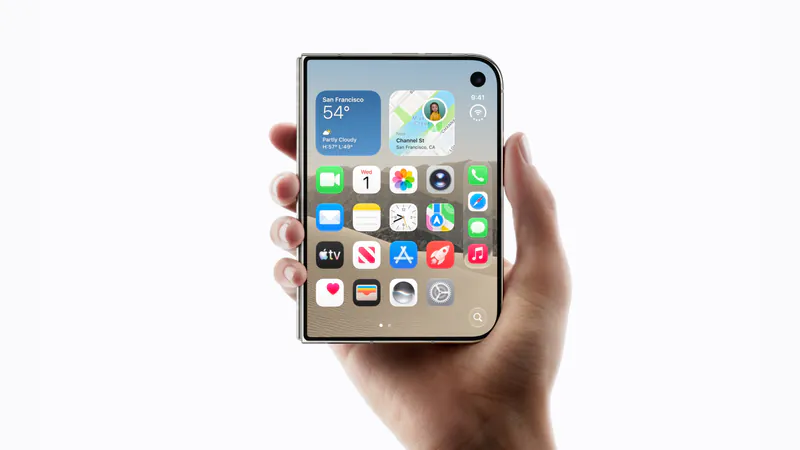
iPhone Duo app ideas: 6 things builders are doing with the fold
Over 300 demos, concepts and prototypes for iPhone Duo, sorted into the six patterns that keep coming up, from the half-folded laptop to the hinge as a controller. A starting point if you're deciding what to build.
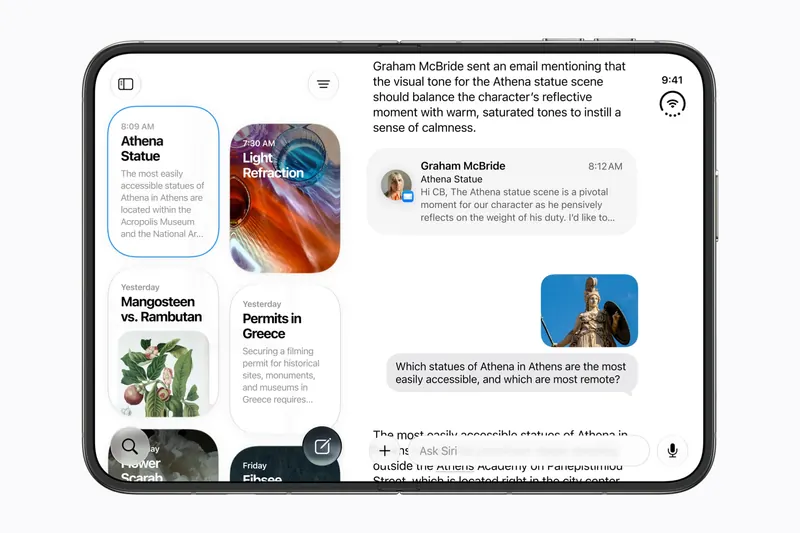
Does iPhone Duo run iPad apps? The Duo and the iPad mini
iPhone Duo's inner display is nearly iPad mini sized, but it runs iOS, not iPadOS. What that means for iPad-only apps, why many Duo apps will look like their iPad versions, and what the Duo borrows from iPad.
iPhone Duo games: what's coming, and what the fold does for play
Which games have been shown on iPhone Duo, how un-updated games look on the open display, and the new kinds of play builders are making with the hinge, the half fold and two screens.