The hinge as a control on iPhone Duo
Read the hinge with onHingeChange, then turn the angle into a position, a speed or a snap. How developers built hinge games, the fallbacks they shipped, and how to test without hardware.
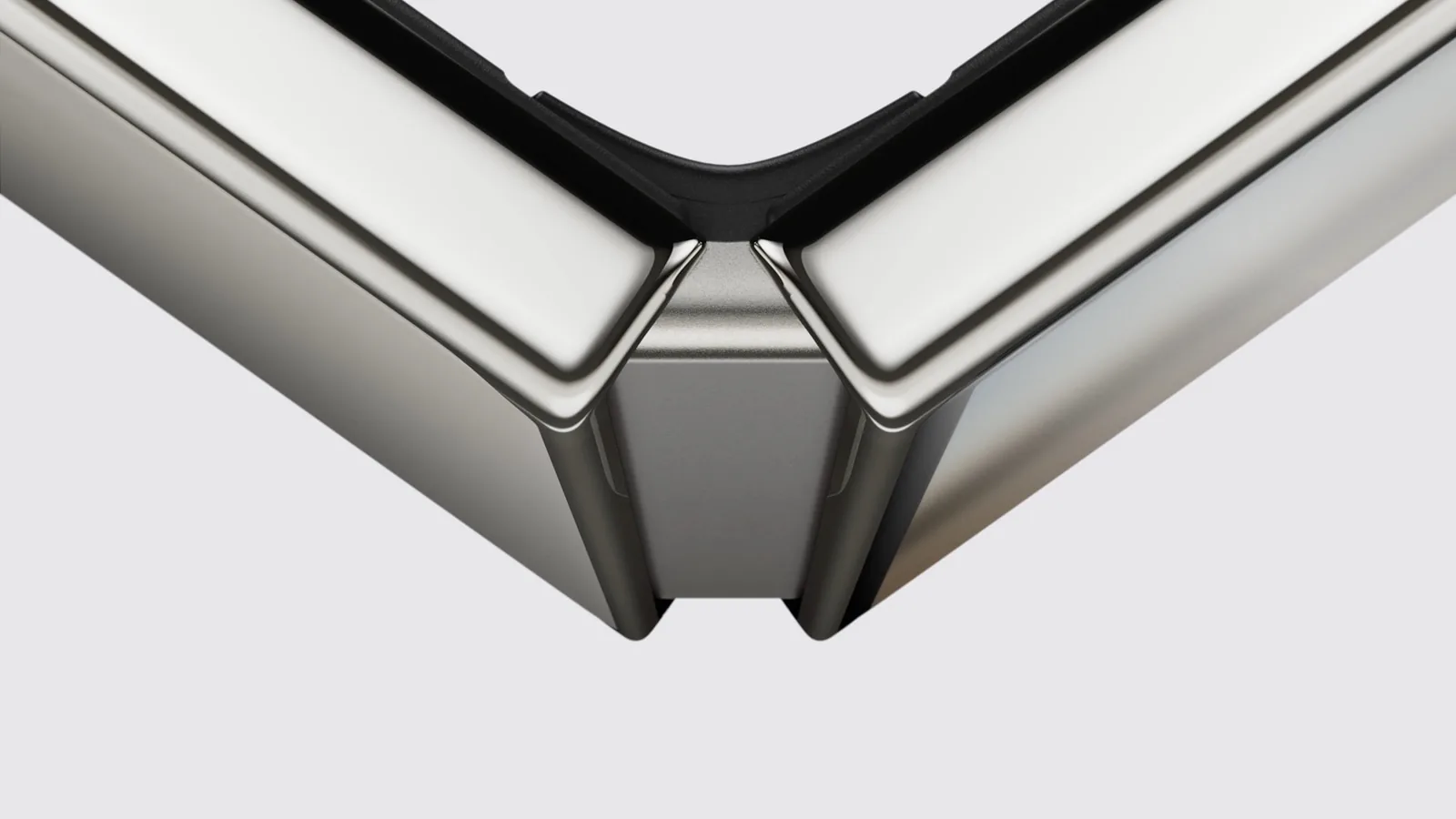
Open iPhone Duo and the wallpaper zooms as the hinge moves. Apple’s multiple-displays session does the same with a guitar app that bends the pitch as you fold, and developers got there first: the ideas wall has an accordion, two Flappy Birds, a slicing game and a physics lab, all played with the hinge. This page is how they read it and what they learned.
One rule before any of it: the angle is the wrong input for layout. To keep controls off the crease, use the reserved regions and arrangements in the fold guide.
In short
onHingeChangegives you a status (closed, partially open, fully open) and an angle from 0° to 180°. It needs iOS 27.1 and is nil on a phone that does not fold.- React to the status for things that happen at a pose. Keep the angle for things that move with the hinge.
- Read the angle as a position, a speed or a snap. Measure speed against the clock, and detect a snap from a moving anchor with a re-arm.
- The update rate and precision are the system’s business. Build nothing that depends on them.
- Every hinge game ships a second way in: a tap, a swipe, a slider.
What the API gives you
SwiftUI has onHingeChange. UIKit has UIHingeInteraction. Both report a status (.closed, .partiallyOpen or .fullyOpen) and a continuous angle, 0° closed and 180° flat.
.onHingeChange { old, new in
    guard let hinge = new.hinge else { return }  // nil: no hinge to read
    status = hinge.status
    degrees = hinge.angle.degrees
}
Artem Novichkov’s iPhone Duo by Examples exercises every part of this on the iOS 27.1 simulator, and the details are worth knowing:
- The action runs once with the initial state, then on every change.
hingeis nil on a device without a hinge, and in a view whose hierarchy does not provide hinge updates.DeviceHinge.Statusis a struct with static members, not an enum, so aswitchover it needs adefault.onHingeChange(isEnabled:)pauses delivery without removing the modifier. Changes made while it is off are not delivered later.- How often updates arrive, and how precise the degrees are, is up to the system. Do not build on a particular rate.
The modifier needs iOS 27.1. Captain Touch’s Folding Flappy runs on iOS 17 and later, so it wraps the call in a modifier that does nothing on older systems:
extension View {
    func onHingeAngle(_ action: @escaping (Double?) -> Void) -> some View {
        modifier(HingeAngle(action: action))
    }
}

private struct HingeAngle: ViewModifier {
    let action: (Double?) -> Void

    func body(content: Content) -> some View {
        if #available(iOS 27.1, *) {
            content.onHingeChange { _, new in
                action(new.hinge?.angle.degrees)
            }
        } else {
            content
        }
    }
}
Status for moments, the angle for motion
The status answers “what pose is the phone in”. The angle does not, even though it looks like it should. Ihor Malovanyi moved the simulator’s hidden hinge slider a few hundred times and wrote down what came back. Dragging it open, the status turned partially open at about 20°. Dragging back, it read closed again at 27° in one sweep and at 46° in another. Fully open appeared only at exactly 180°. Clicking the slider instead, 123° settled as closed and 143° as partially open. The same angle can mean two poses.
CharaDUO, a charades game by ryo, shows the cost of guessing. It detects the tabletop pose from an angle range, and the range had to widen from 75–115° to 70–150°, because the simulator’s tabletop pose reports 127.8°. The README is honest that the range is tuned to the simulator and needs a real phone on a table.
So react to status for anything that happens at a pose. Elvin’s flash-card prototype hides the answer while the phone is folded and reveals it when you open it. Vidit Bhargava’s Duo-Man loads a tape when the phone is open and plays it when you close it. To tell a book from a laptop, read which way the active division region runs, as the fold guide shows. Keep the angle for things that move with the hinge.
Three ways to read the angle
Every hinge idea on the wall reads the angle in one of three ways.
As a position
The angle is the value. Lumi’s Lab, which Ali Amjad’s team built at the Bitrig and YC hackathon, teaches Snell’s law with it: the hinge angle is the angle of the incoming ray, and the refracted ray updates as the student opens the phone. zunda’s Pita-kaku gives you a target angle and asks you to fold to it. Steven Zhang’s Crate sweeps a low-pass filter.
Apple’s guitar maps the angle to a pitch bend only while the phone is partly open, and resets the bend in every other state. Decide the same for your value: what it is when the phone closes, lies flat, or reports no hinge at all.
As a speed
Artem’s Accorduon is an accordion, and the hinge is the bellows. A held key makes no sound until the bellows move, and the faster you fold, the louder and brighter it plays. The app turns the hinge speed, in degrees per second, into air pressure. The air leaks out on its own, so the sound fades as soon as you stop.

Someone please stop me Meet Accorduon — an accordion for iPhone Duo. The hinge is the bellows: fold and unfold to play 🪗 (Sound on 🔊) github.com/artemnovichkov…
Two things follow from the update rate being the system’s business. Measure speed against the clock, not per update. And let the value decay on a timer of your own: when the hinge stops moving, the updates stop too, and nothing will tell you to go quiet.
@State private var last: (degrees: Double, time: Date)?

.onHingeChange { _, new in
    guard let degrees = new.hinge?.angle.degrees else {
        last = nil
        return
    }
    let now = Date.now
    if let last {
        let seconds = max(now.timeIntervalSince(last.time), 0.001)
        // Degrees per second, measured against the clock.
        bellows.pump(abs(degrees - last.degrees) / seconds)
    }
    last = (degrees, now)
}
As a snap
The hinge becomes a button. Three games built the same detector separately, and their numbers are a good starting point:
| Game | Fires when | Re-arms when | Also plays by |
|---|---|---|---|
| DuoBird, by Artem | Opening 10° past the lowest angle since the last flap | The hinge folds back 5° | Tap |
| DuoCut, also Artem’s | Closing 12° from the highest point | The hinge opens 6° | Swipe across the cut line |
| Folding Flappy, by Captain Touch | A stroke of 8° in either direction | A reversal; carrying on the same way is not another flap | Tap |
They share three ideas. Measure from a moving anchor rather than a fixed angle, so the snap works wherever the phone happens to be held. Require a minimum stroke, so sensor noise cannot fire it. And re-arm only on a reversal, so one long unfold is one flap, not five.
/// One flap per quick unfold, wherever the phone is held.
struct SnapDetector {
    var trigger = 10.0  // open this far past the lowest angle to fire
    var rearm = 5.0     // then fold back this far before the next one
    // The lowest angle while armed, the highest while waiting to re-arm.
    private var anchor: Double?
    private var armed = true

    mutating func update(_ degrees: Double) -> Bool {
        guard var point = anchor else {
            anchor = degrees
            return false
        }
        defer { anchor = point }
        if armed {
            point = min(point, degrees)
            if degrees - point >= trigger {
                armed = false
                point = degrees
                return true
            }
        } else {
            point = max(point, degrees)
            if point - degrees >= rearm {
                armed = true
                point = degrees
            }
        }
        return false
    }
}
@State private var snap = SnapDetector()
GameView(game: game)
.onHingeChange { _, new in
guard let degrees = new.hinge?.angle.degrees else { return }
if snap.update(degrees) { game.flap() }
}Swap the comparisons for a closing snap, as DuoCut does.
Design for a slow button held in two hands
A snap takes longer than a tap. DuoBird lowers the gravity and widens the gaps between pipes to match, and it never asks you to open the phone fully or to slam it.
Know where the player is looking while the phone moves. Captain Touch noticed that, partly open, the simulator blurs and darkens the half of the inner display to the left of the fold, with no public API to turn it off. So Folding Flappy keeps the bird, the score and the menus to the right of the fold, and finds the fold from the division region. DuoCut reads the same region with .includeInactive, because its blade is the fold line and players have to see it while the phone is still flat and they are lining up a cut.
Design the grip, too. Accorduon is held open like a book: the right hand plays the melody on a vertical keyboard, the left hand plays the bass buttons, and folding pumps the bellows. In the simulator a single pointer cannot hold a key and fold at the same time, so the app has an Auto Air switch that keeps the bellows full.
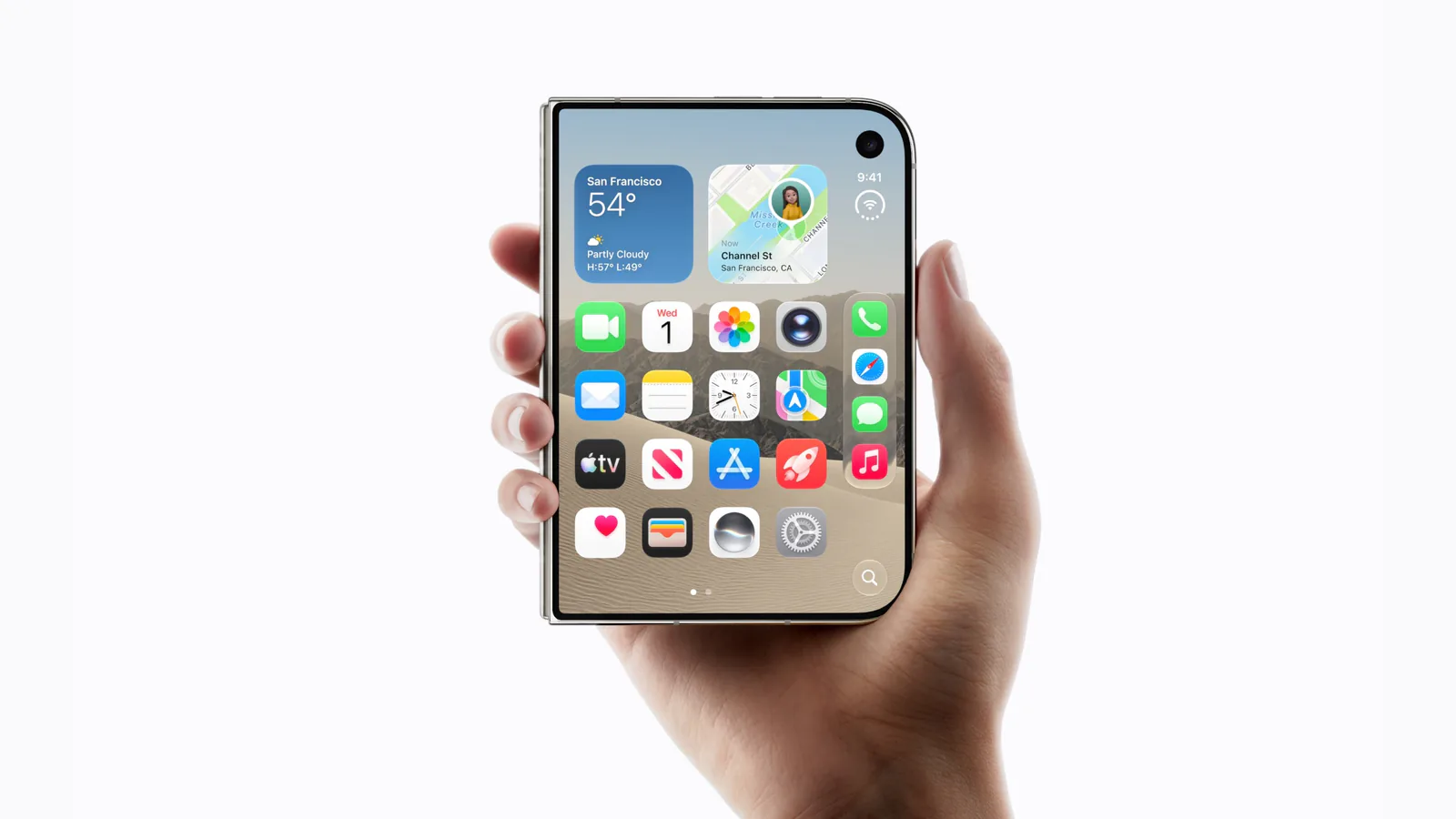
Small confirmations help when the input is the whole phone. In Artem’s Duogami, the paper folds with a light haptic tap as you close the phone.
Ship a second way in
Every one of these games plays without folding. DuoBird and Folding Flappy flap on a tap. DuoCut takes a swipe across the cut line. Accorduon lets you drag the bellows or turn on Auto Air. Duogami has a slider and a Fold button. That covers phones that do not fold, the simulator’s single pointer, and anyone who cannot or would rather not fold a phone a few hundred times a game. Apple’s design session asks the same of every feature: do not limit functionality to one pose.
Folding Flappy also covers iOS 27.0, which has no hinge API. A fold moves the scene between displays, so its area changes a lot. A change of more than 25 percent counts as a flap, and a rotation, which keeps the area, does not.
Test it on the simulator
- Hold Option over Device Hub’s pose buttons and they turn into a hinge slider from 0° to 180°. Jeremy Sequoia pointed it out, and Ihor’s field note documents it. Drag it as well as clicking it: the two settle differently.
- The Book pose button lands near 128°. Blake Crosley read 127°, and CharaDUO’s tabletop pose reported 127.8°. Make sure your logic is not tuned to that one number.
- Artem’s
hingecommand sets the angle from a script or a coding agent:hinge 120, orhinge sweep 180 0 2to fold the phone shut over two seconds. Artem’s demo has Claude Code playing DuoBird with it.
- Log the updates during a sweep, as Artem’s angle-history example does, to see what your detector actually receives. Then make sure nothing depends on that rate.
What no simulator can tell you is how this feels in the hand. Julian Schiavo’s pinball demo asks whether the real hinge is strong enough to be a paddle. That, and how many snaps a person wants to make in one sitting, waits for October 23.
Keep reading
iPhone Duo app ideas: 6 things builders are doing with the fold
Over 300 demos, concepts and prototypes for iPhone Duo, sorted into the six patterns that keep coming up, from the half-folded laptop to the hinge as a controller. A starting point if you're deciding what to build.
Does iPhone Duo run iPad apps? The Duo and the iPad mini
iPhone Duo's inner display is nearly iPad mini sized, but it runs iOS, not iPadOS. What that means for iPad-only apps, why many Duo apps will look like their iPad versions, and what the Duo borrows from iPad.
iPhone Duo games: what's coming, and what the fold does for play
Which games have been shown on iPhone Duo, how un-updated games look on the open display, and the new kinds of play builders are making with the hinge, the half fold and two screens.