A TV show tracker whose cards step off the crease when the Duo half-folds
Does Countdown2Binge work on iPhone Duo?
Yes, and seen in simulator videos: version 3.0.5 (October 16, 2026) says it is optimized for the iPhone Duo, and Craig Clayton's YouTube series shows the adaptation.
- Simulator verifiedThe developer, Craig Clayton (@thedevme), in the Adapting a Real App for iPhone Duo series on the Design to SwiftUI channel, Episode 1 on toolbars (youtube.com) and Episode 2 on the fold (youtube.com), which link the app. The App Store seller is Cocoa Academy LLC (id 6476959214). The release notes for version 3.0.5 (released October 16, 2026) say it is "Optimized for iPhone Duo" and now fits both the outer and inner displays. The videos show the app in the iPhone Duo simulator.
Adapted for the fold
- Book · Partly folded
Off the crease
Half-folded, a settings card that would sit across the crease moves onto one half, and it slides back to the middle when the phone opens flat.
About Countdown2Binge
Countdown2Binge counts down to the next season of the shows you follow. Craig Clayton adapted it for the iPhone Duo in a video series. In Episode 2, on the simulator, the notification settings card moves off the crease onto one half when the phone is half-folded and returns to the middle when it opens flat. Episode 1 moves the toolbar buttons into the side strip. Version 3.0.5’s release notes say the app now fits both Duo displays.
Evidence reviews
What we checked, when, and what the evidence establishes. Each record preserves the support label at that check.
· Simulator recording reviewed
Simulator verified · iphone-duo
Looked at frames from both of Craig Clayton's videos, which show Countdown2Binge running in the iPhone Duo simulator (the Duo status ring, the simulator's controls) between the captions: Timeline, My List and My Library on the cover with toolbar buttons in a side strip, and half-folded, My List, the search screen and the notification settings card before and after it moved off the crease.
Poses shown: Closed, Book. These are observations of the evidence, not a test of every interaction.
App version: Not recorded in this evidence. Environment: iPhone Duo simulator.
Based on frames from the two tutorial videos, not a full watch. The open flat pose isn't clearly shown. No app or Xcode version beyond the release notes. No build was tested.
View reviewed evidence ↗
Watch it unfold
On the ideas wall
All ideasCountdown2Binge: a settings card that steps off the crease
Craig Clayton adapts Countdown2Binge, a TV show tracker, in a video series. Half-folded, a settings card that would cross the crease moves to the right-hand half, and back to the middle open flat. Episode 1 moves toolbar buttons aside.
Related guides
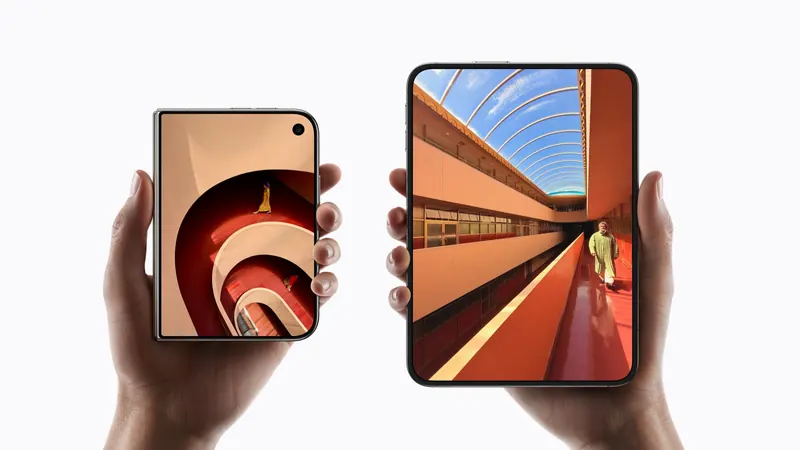
iPhone Duo poses: closed, open, book, standing and Split View
A plain-language guide to the ways you will hold iPhone Duo, what the phone itself does in each, and the apps and ideas that make the most of them. For anyone buying one, and for anyone building for it.
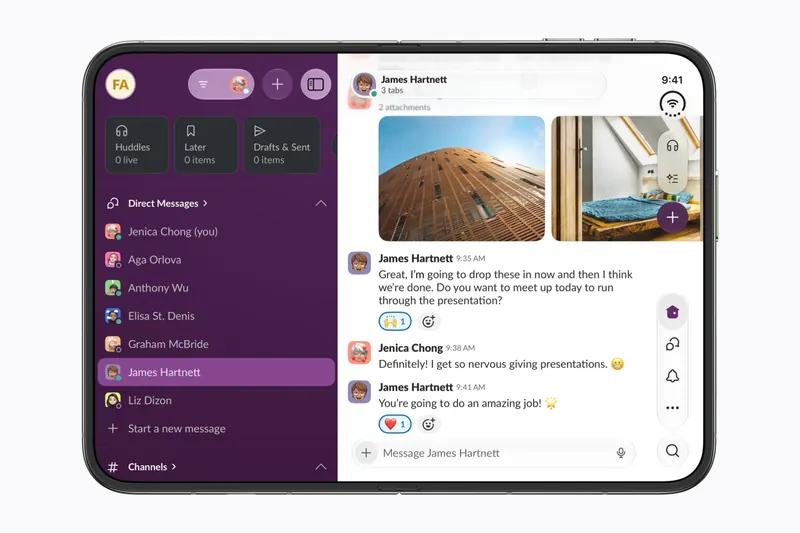
The best iPhone Duo apps so far (October 2026)
The apps worth installing now that iPhone Duo is on sale, from the apps Apple named as launch partners to indie apps whose developers have shown a real iPhone Duo layout, picked for what they do when you open the phone.
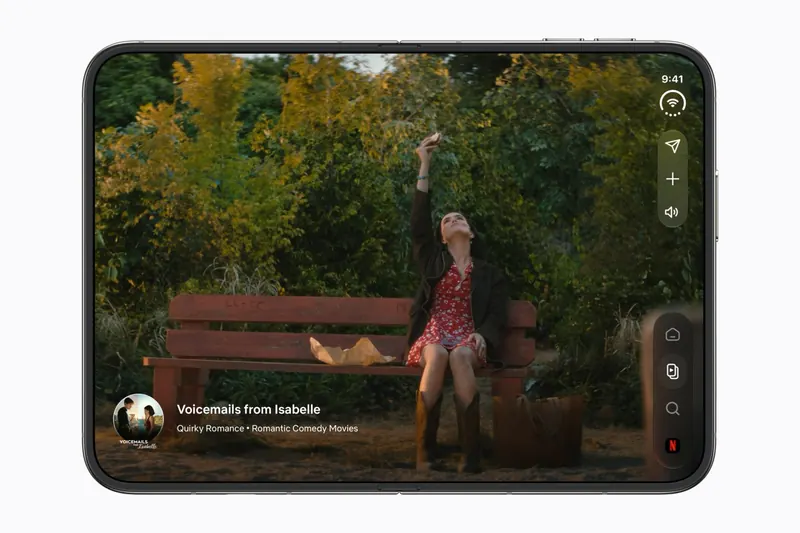
Do your apps work on iPhone Duo? What happens before they're updated
Every iPhone app opens on iPhone Duo, but only updated ones fill the inner display. What an app looks like before its developer adapts it, how to tell which are ready, and which popular apps have said so.
Is this your app?
Add the badge to your site or press kit. It links back to this page, where fans can upvote you.

<a href="https://foldhunt.com/apps/countdown2binge/"><img src="https://foldhunt.com/badges/featured-on-foldhunt.svg" alt="Featured on FoldHunt" width="220" height="54"></a>Need to update the listing? Email the editor.
Sources: Adapting a Real App for iPhone Duo, Episode 2: The Fold (Design to SwiftUI) (youtube.com) · Adapting a Real App for iPhone Duo, Episode 1: Toolbars (Design to SwiftUI) (youtube.com) · Countdown2Binge on the App Store (apps.apple.com)
More for iPhone Duo

Netflix
Netflix, Inc.
Clips on the outer screen, cinema on the inner one, redesigned for iPhone Duo.
Launch partner: Named by Apple as an iPhone Duo launch partner.
- Closed
- Open
- Book
- Standing

Prime Video
Amazon
Amazon's streaming service: half folded, the video above and X-Ray below
Launch partner: Named by Apple in its Newsroom article of October 22, 2026, on apps optimized for iPhone Duo. The App Store release notes for version 10.154 (released October 27, 2026) don't mention the Duo.
- Book
- Open

KakaoPage
Kakao Entertainment
Comics, novels and books from Kakao, read like a book on the open Duo
Launch partner: Named by Apple in its Newsroom article of October 22, 2026, on apps optimized for iPhone Duo. The App Store release notes for version 7.34.2 (released October 22, 2026) list "Compatible with iPhone Duo".
- Open