Do your apps work on iPhone Duo? What happens before they're updated
Every iPhone app opens on iPhone Duo, but only updated ones fill the inner display. What an app looks like before its developer adapts it, how to tell which are ready, and which popular apps have said so.
If you have an iPhone Duo, or are about to order one, the practical question is whether the apps you use every day will work on it. The short answer is yes, all of them. The longer answer is that “works” and “uses the big screen” are different things, and for most apps the second one needs an update that only became possible to ship on October 5.
In short
- Every app on the App Store opens on iPhone Duo. Nothing is locked out.
- Closed, an app that hasn’t been updated looks exactly as it does on any iPhone.
- Open, it does not fill the inner display. How much it gets depends on the tools its developer last built it with, and reviewers found un-updated apps in a portrait window with empty space on either side.
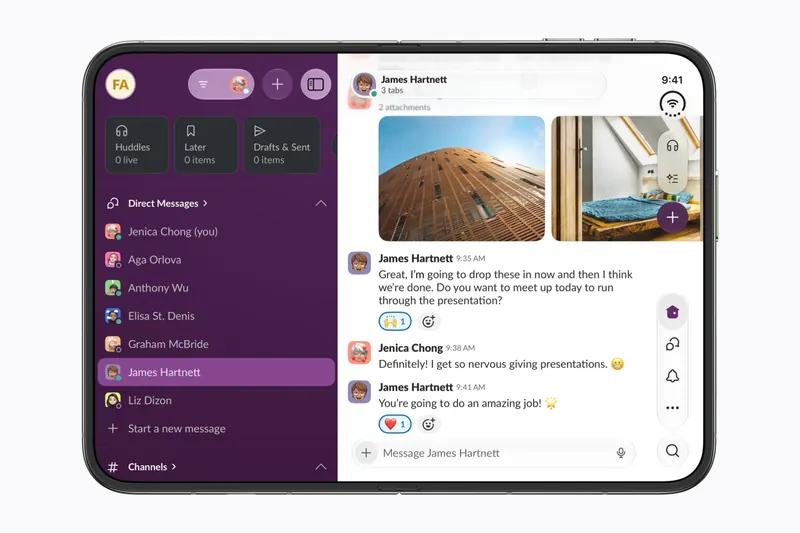
- Apple’s own apps are adapted. Apple named four others at the announcement, Netflix, Zoom, Slack and Detail, and about fifty more on October 22.
- Most big-name apps have not announced anything yet. We keep a compatibility tracker for those.
Closed, nothing changes
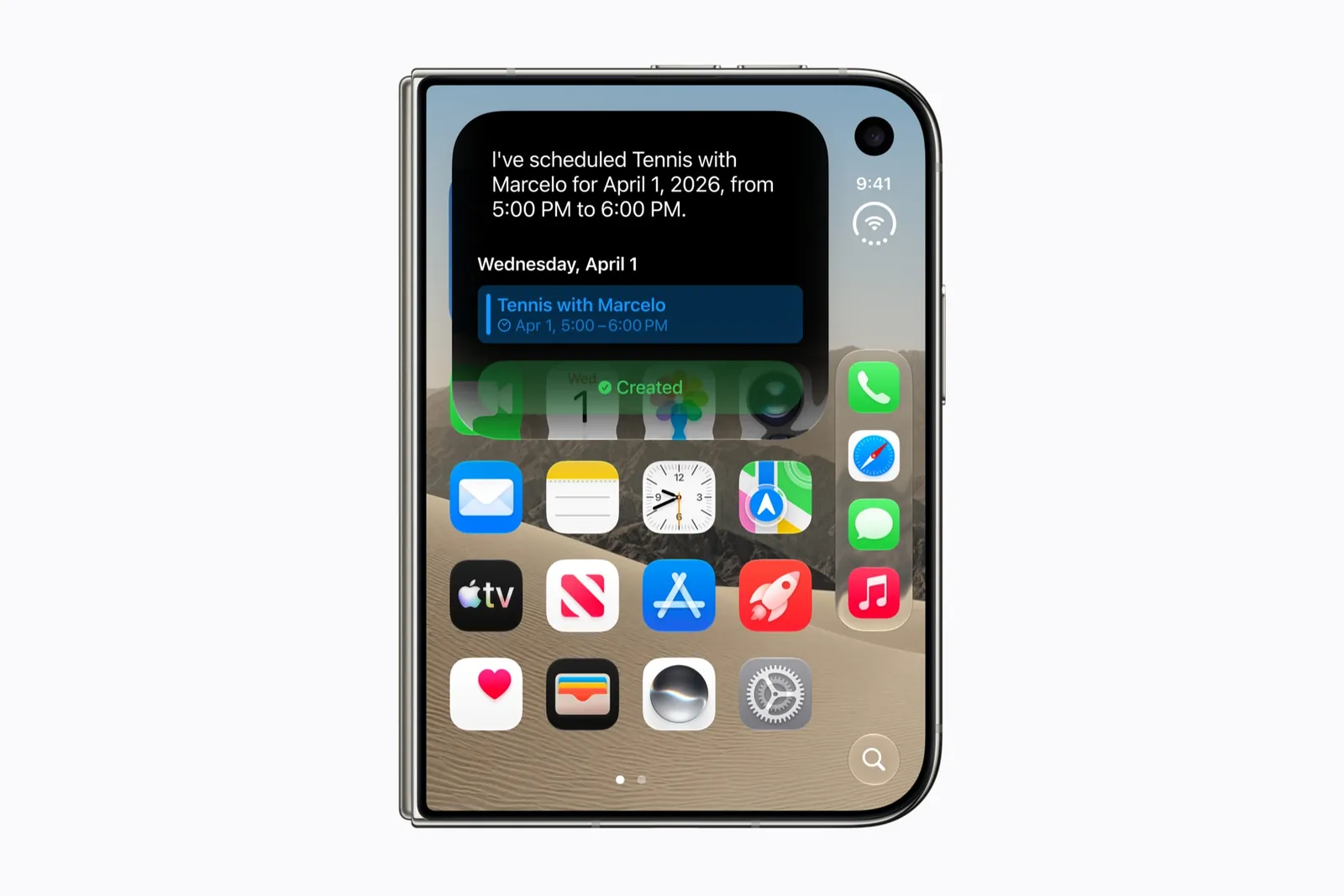
The outer display is a 5.4-inch iPhone screen, and an app that has never heard of iPhone Duo runs on it like on any other iPhone. This is the pose you will use most, and it is the one where you will notice un-updated apps least. The one visible difference belongs to updated apps: iOS 27 moves their back buttons, tab bars and toolbars into a column down the side of the display, which leaves more of the short screen for content.
Open, it depends on when the app was built
The inner display is 7.6 inches and wider than it is tall. What an app does there comes down to which version of Apple’s developer tools it was last built with. Apple’s engineers laid out three cases for developers in September:
| The app was built with | What you see on the open Duo |
|---|---|
| Last year’s tools (Xcode 26) | The app in an iPhone-shaped window, with black borders around it. |
| The iOS 27 SDK | The app resizes to use more of the display. Some space is still left over. |
| The iOS 27.1 SDK | The app reaches the edges of the display and its bar buttons move to the side. Apple calls this “optimized for iPhone Duo.” |
9to5Mac, which went through the three modes on the day of the announcement, described the first as the default compatibility mode: the app sits in a safe area on a black background. AppleInsider’s headline for the same thing was blunter: “Apps will look terrible unless they are updated for the iPhone Duo.”
The first reviews, from people who had the phone for a week, found the same. Engadget’s Sam Rutherford opened Telegram and got “a portrait orientated app with tons of dead space on either side”. iOS adds “buttons that will rotate and expand the app into landscape”, “but even then, it’s far from ideal”, with “significant letter boxing at the top and bottom of the app”. Gizmodo’s Raymond Wong says such apps “just appear as enlarged versions when you tap the expand button.”
It is the same thing that happened when the iPad arrived and iPhone apps ran in a window in the middle of it. It is not broken. It is a phone app on a screen it was not designed for.
Being built with the newest tools is also only the start. An app can fill the screen and still do nothing useful with the width: one long list stretched across 7.6 inches. The apps worth opening the phone for show you more when you do, a list beside its detail or a video above its controls. That is what the labels on FoldHunt’s app pages record.
Why most apps aren’t ready yet
Apple announced iPhone Duo on September 9 and put the tools for building Duo apps into beta on September 18. Apple does not accept App Store submissions built with beta tools, so for nearly a month a developer could run a Duo layout in the simulator and could not release it. On October 5 Apple began accepting apps optimized for iPhone Duo, built with the Xcode 27.1 release candidate, and the final Xcode 27.1 followed on October 15. The phone went on sale on October 23.
So an app updated before October 5 cannot be the fully optimized kind, whatever its developer has planned. Small developers have moved fastest: FoldHunt lists more than 900 apps and games adapted for the Duo, nearly 500 of them confirmed by their own App Store pages. Large companies run on their own release schedules. AppleInsider’s William Gallagher expects firms such as Microsoft and Adobe to be slow, as they have been with new Apple screens before. On October 22, the day before the launch, Apple named about fifty apps optimized for the Duo, a dozen of them household names from our tracker, among them Instagram, Prime Video and Lyft, and said Microsoft Word and Outlook would follow in the coming weeks. More than a hundred other big names have announced nothing.
Which apps are ready
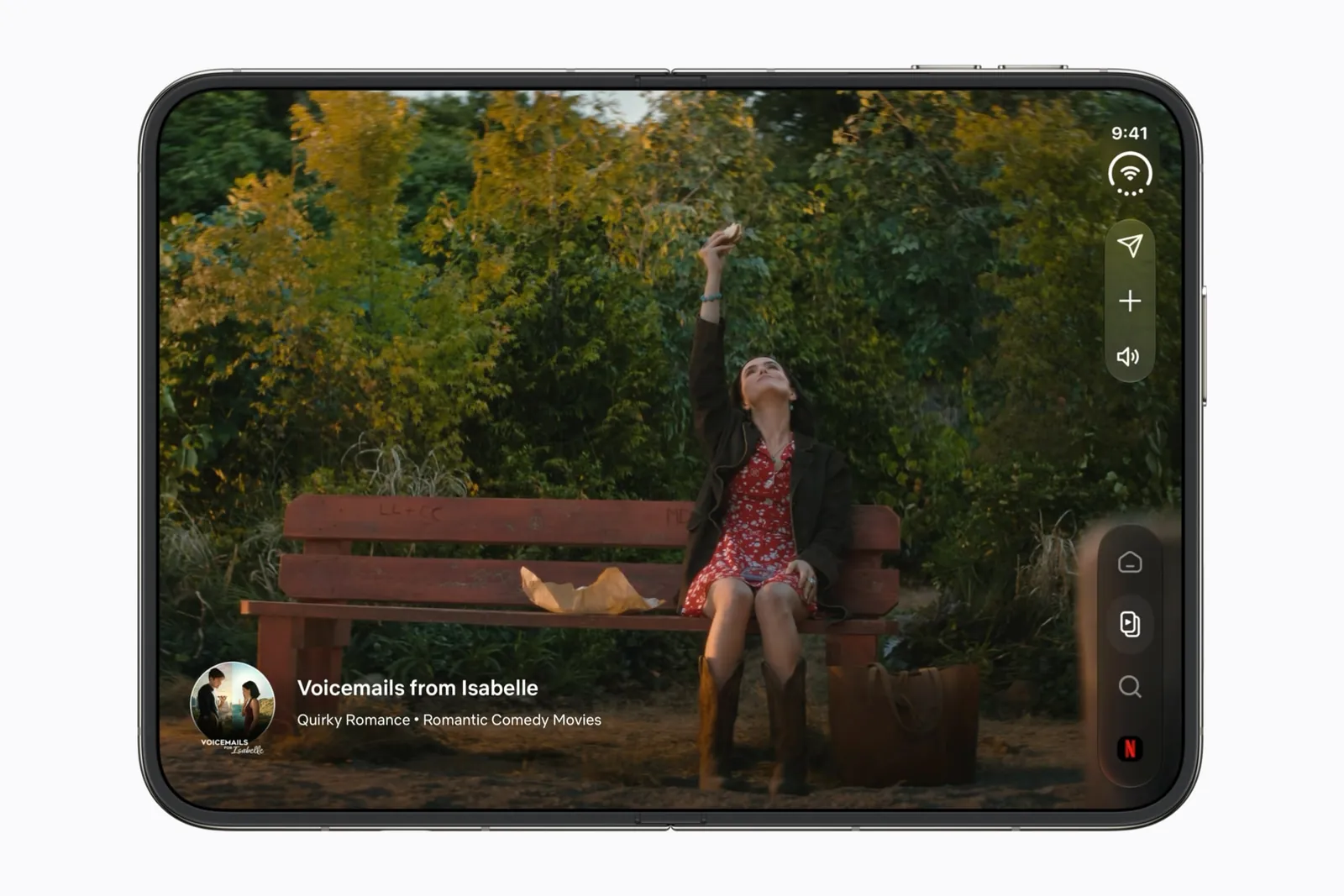
- Apple’s apps. “Apple apps are optimized for iPhone Duo,” the company says. That covers Messages, Mail, Photos, Safari, Music, Camera and the rest. Gizmodo’s Raymond Wong found “almost all” of them optimized, with a sidebar splitting apps such as Messages, Mail and Calendar in two.
- Apple’s launch partners. Netflix, Zoom, Slack and Detail were named by Apple as already adapted when it announced the phone. On October 22 it named about fifty more, from Prime Video and Instagram to Fantastical and Asphalt Legends. They are on our launch partners page with what each one changed.
- Apps whose developers say so. The directory lists every app and game whose developer has shown or announced an iPhone Duo version, each with the post or video it comes from. Our picks of the best so far are the ones that do the most with the open phone.
- Everything else. WhatsApp, YouTube, TikTok, Spotify, Google Maps and most other household names have not announced a Duo version that we have found. The compatibility tracker has a page for each, with the date we last checked.
How to tell if an app has been updated
The App Store does not label it for you, as far as we have seen. Four things to look for:
- The release notes. A developer who has done the work will usually say so under “What’s New”. Apple’s own phrase is “optimized for iPhone Duo”, but many describe the change instead, so look for the phone’s name. The notes for version 1.1 of Flicit, a movie diary made by FoldHunt’s editor, say “On iPhone Duo, the tickets you flick land on the other page.”
- The screenshots. App Store pages can now carry iPhone Duo screenshots, one size for each display. They are optional for now. From April 2027 Apple requires them for every app or game submitted.
- The app itself. Open the phone. “Usually, if it’s black—and the app isn’t just in dark mode—and there are no buttons there, it means it’s not optimized,” writes Gizmodo’s Raymond Wong. An updated app also moves its tab bar into the column down the side of the display.
- Our pages. Each app on FoldHunt carries a label that says where the information comes from: Launch partner, Simulator verified (Device verified once we’ve seen it on a real iPhone Duo), App Store confirmed, Developer claimed, or Not announced. On any app that is not yet confirmed you can leave an email address and get one message when it is.
What we don’t know yet
The reviews answer the first questions: an un-updated app opens in a portrait window, and the expand button enlarges it without filling the display. They don’t say how un-updated apps behave in Split View, and we haven’t checked particular apps on our own iPhone Duo. Each app’s label says what we have seen, and the tracker changes as developers announce updates.
If you build apps, the developer’s side of this page is the App Store submission guide.
Keep reading
Does iPhone Duo run iPad apps? The Duo and the iPad mini
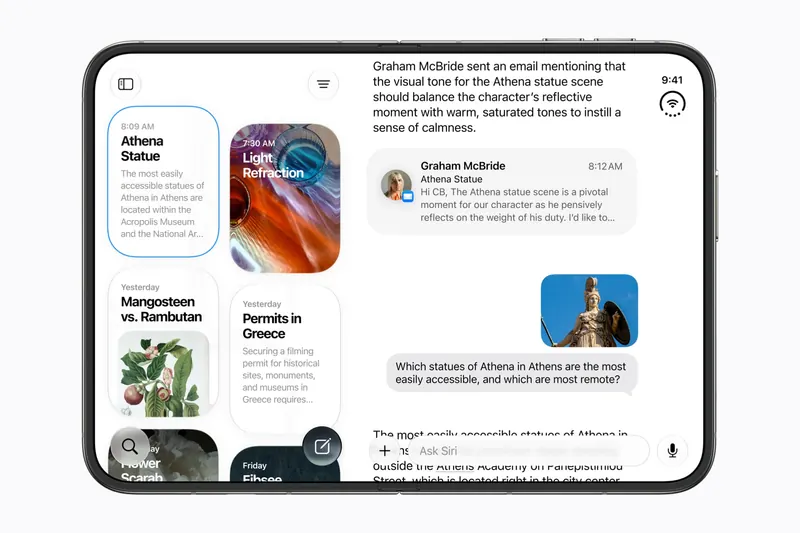
iPhone Duo's inner display is nearly iPad mini sized, but it runs iOS, not iPadOS. What that means for iPad-only apps, why many Duo apps will look like their iPad versions, and what the Duo borrows from iPad.
iPhone Duo games: what's coming, and what the fold does for play
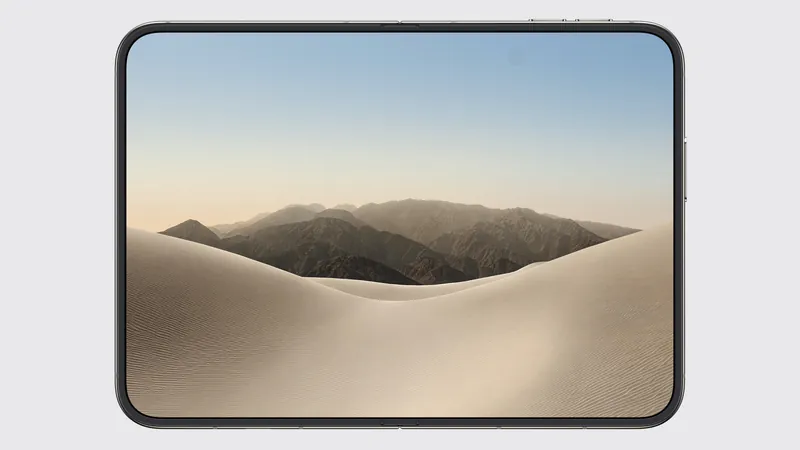
Which games have been shown on iPhone Duo, how un-updated games look on the open display, and the new kinds of play builders are making with the hinge, the half fold and two screens.
The best iPhone Duo apps so far (October 2026)
The apps worth installing now that iPhone Duo is on sale, from the apps Apple named as launch partners to indie apps whose developers have shown a real iPhone Duo layout, picked for what they do when you open the phone.