iPhone Duo poses: closed, open, book, standing and Split View
A plain-language guide to the ways you will hold iPhone Duo, what the phone itself does in each, and the apps and ideas that make the most of them. For anyone buying one, and for anyone building for it.
Every app and idea on FoldHunt carries a row of small labels: Closed, Open, Book, Standing, Split View. They are the ways you can hold the phone, and they are how the directory and the ideas wall are filtered. This page says what each one means, what iPhone Duo itself does when you hold it that way, and what a well-made app does with it. Apple’s own words are quoted where they describe a pose, and the examples are things developers have actually built, mostly in the simulator, since nobody outside Apple has held the phone yet.
In short
- Closed, it is a 5.4-inch iPhone with the controls moved to the side and Touch ID in the side button.
- Open, it is a 7.6-inch screen that is wider than it is tall, and a good app shows you more, not the same thing bigger.
- Half folded, it is a paperback in the hand or a small laptop on a table, and the hinge angle can be a control.
- Standing, it is a clock, a photo frame or a screen for the person across the table.
- In Split View, two apps share the open screen, half and half.
Closed
Shut, iPhone Duo is a phone. The outer display is 5.4 inches, with what Apple calls 90 percent of the screen area of iPhone 18 Pro, and the body is 84.1 mm wide, so it fits one hand. Apple’s description of the closed phone is short: “Compact and comfortable to hold. With essential controls moved to the side, they’re easy to reach.” That side column is the biggest visible change from an ordinary iPhone. Lock Screen controls, the Dock, and the back, done and tab buttons inside apps sit in a strip down one edge rather than across the top and bottom, which leaves more of the short display for content. The Dynamic Island turns vertical and sits in that strip too.
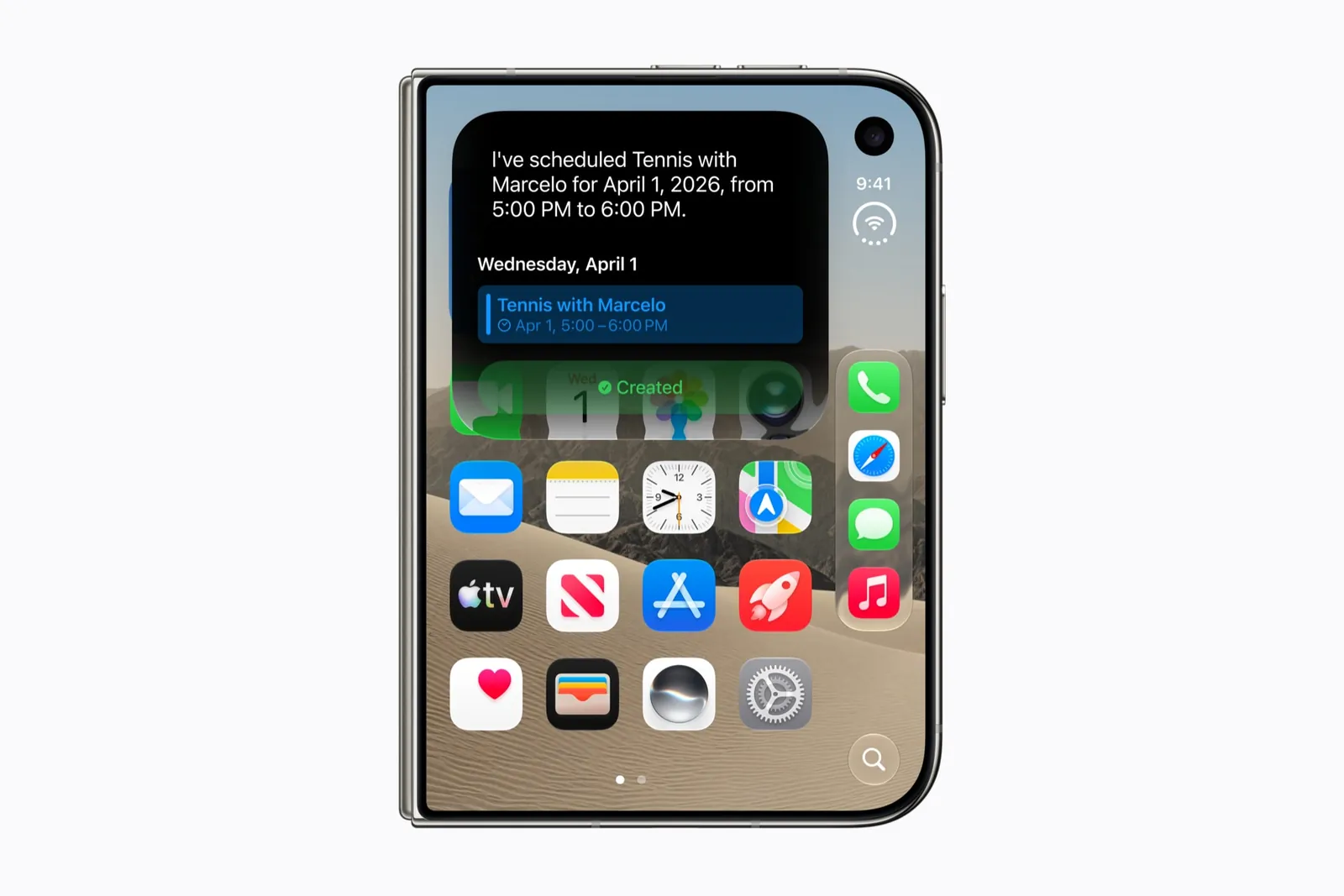
Touch ID lives in the side button and works whether the phone is open or closed. There is no Face ID. Apple quotes up to 44 hours of video playback on the outer display, against 31 on the inner one, so the closed phone is also the economical one.
An app that has not been updated looks like it does on any iPhone. An app that has been updated keeps everything reachable here, because this is the pose people will use most often and the one they fold back to in the middle of anything. The best examples treat the cover as a thing in its own right: Vidit Bhargava’s Duo-Man turns it into a Walkman once you close the phone, Jerry Nkongolo’s cassette player shows the tape turning behind its window, and Moon FM fits its whole podcast library into one column with the tabs beside the camera.
One detail for the settings-minded: the orientation lock applies here. Chad Etzel found in the simulator that the outer display obeys it and the inner display does not.
Open
Open the phone and it unfolds sideways. The height stays at 117.8 mm and the width almost doubles to 164.6 mm, so the 7.6-inch inner display is a landscape canvas, wider than it is tall, with a soft crease down the middle. Apple calls it “the largest iPhone display ever” and puts it at 50 percent larger than iPhone 18 Pro Max. Held upright instead, the crease runs across, and the bars that were at the side go back to the top and bottom.
The two displays share one aspect ratio, and that is why opening the phone feels like a zoom rather than a jump. Atilla, in a widely shared breakdown of the transition, put it first on the list: because the shapes match, what you were looking at on the cover stays where it was as the inner display takes over. Apple’s Netflix example makes the same point in an app: the clip you were watching closed keeps playing when you open the phone.
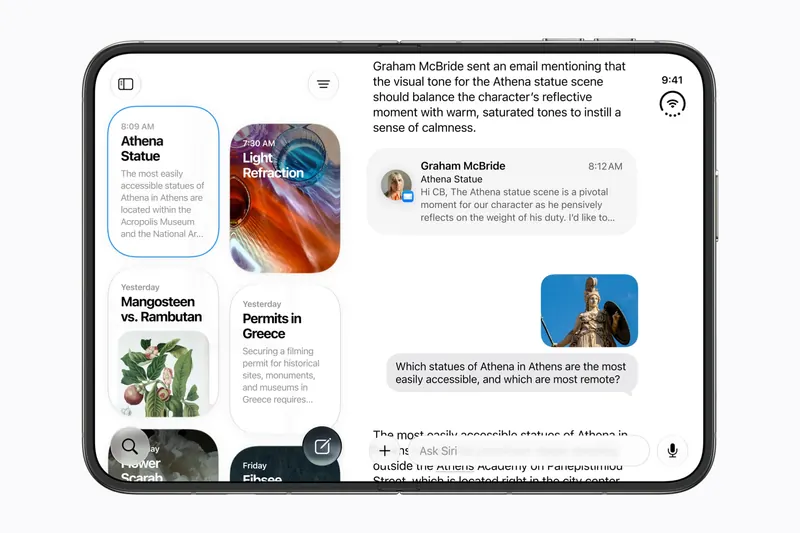
What a good app does with the width is show more. Apple’s engineers used the TV app as the example in a developer session: opening the phone stretches the window, and you see more of what you were already looking at, plus room for detail. On the wall, Fonti keeps the font list on one half and the live sample on the other, Offly puts the player beside the queue, Abati Samuel’s event ticket hangs the pass on one side and the day’s schedule on the other, and Elite Hoops gives the court one half and the play tools the other. An app that was not updated is stretched instead, and Bunny Lau’s phrase for that, an ocean of wasted pixels, is the thing to look for when you judge one.
Text and pictures can cross the crease. You read across it the way you read across the gutter of a book. Buttons should not sit on it, and when the phone is partly folded iOS moves its own controls and sheets off it.
Book
Fold the phone part of the way and you have two surfaces at an angle. Held upright it is a paperback, with a page on each side. Set down on a table it is a small laptop, a screen on the upright half and a flat half for your hands. FoldHunt uses one label, Book, for both, because the app sees the same thing: a fold that is now in the way, and two halves to use. Sarun W. counted the full set as six poses, closed, open and partly folded, each upright and sideways, and this is the pair that is new.
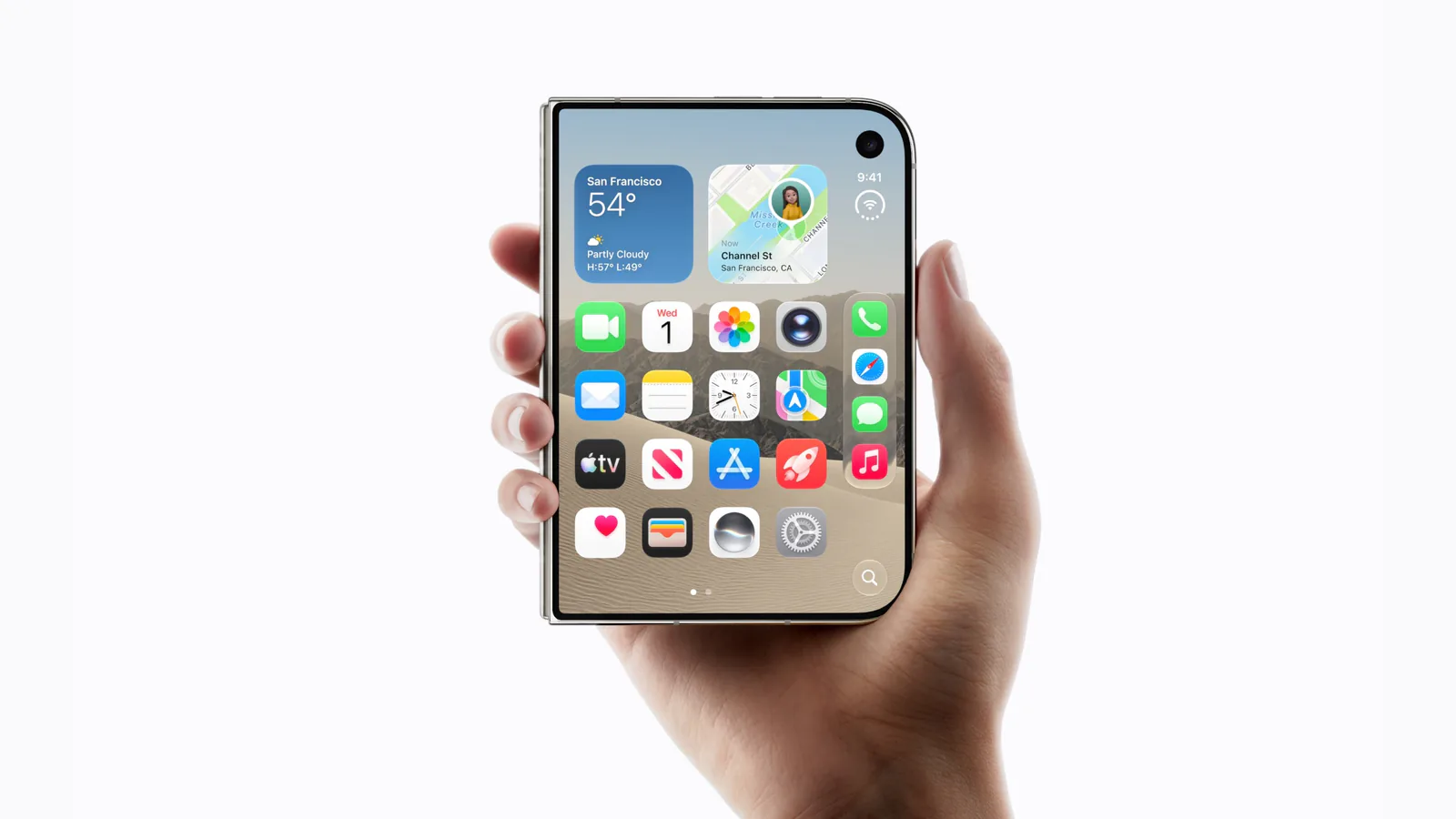
Apple describes the laptop posture for watching and working out: “Set iPhone Duo down and watch a show or follow a workout at the perfect viewing angle”, with “easy access to the controls on the bottom”. Netflix does exactly that, video on the top half and playback controls on the bottom. iOS also moves its own sheets and controls off the crease when the phone is half folded, so an app does not have to watch the hinge to keep a Done button reachable.
Developers have found this pose the most fun. Luc Chaissac’s hiking app puts a 3D flyover on top and the trail map below. Julian Schiavo’s Codex Micro emulator and Sahil AK’s typewriter both put the screen up and the keys down, like the machines they imitate. Artem Novichkov’s ClawKit is an arcade cabinet, the claw machine above the fold and the joystick below. Mario’s sketch idea has you draw on the flat half and see it rendered on the upright one.
The hinge itself can be the control, since apps can read its angle. Artem’s Accorduon is an accordion where folding works the bellows, his DuoBird flaps when you snap the phone open, zunda’s Pita-kaku asks you to fold to a target angle, and Elvin’s flash cards hide the answer until you open the phone. Whether a real hinge enjoys being a game controller a few hundred times a session is the question Julian Schiavo asked of his own pinball demo, and it waits for the hardware.
Standing
Stand the half-folded phone on its edges, like a tent or an open book on a shelf, and nobody is holding it. Apple pitches this pose for the outer display: “Display a bedside clock, photos, widgets, and more with StandBy. And watch movies and shows at an adjustable angle on the outer display.” StandBy, the full-screen clock and widget mode, works on either display on Duo, and Apple notes it no longer needs the phone to be charging. The folio case, at $129, has a retractable kickstand for the same reason.
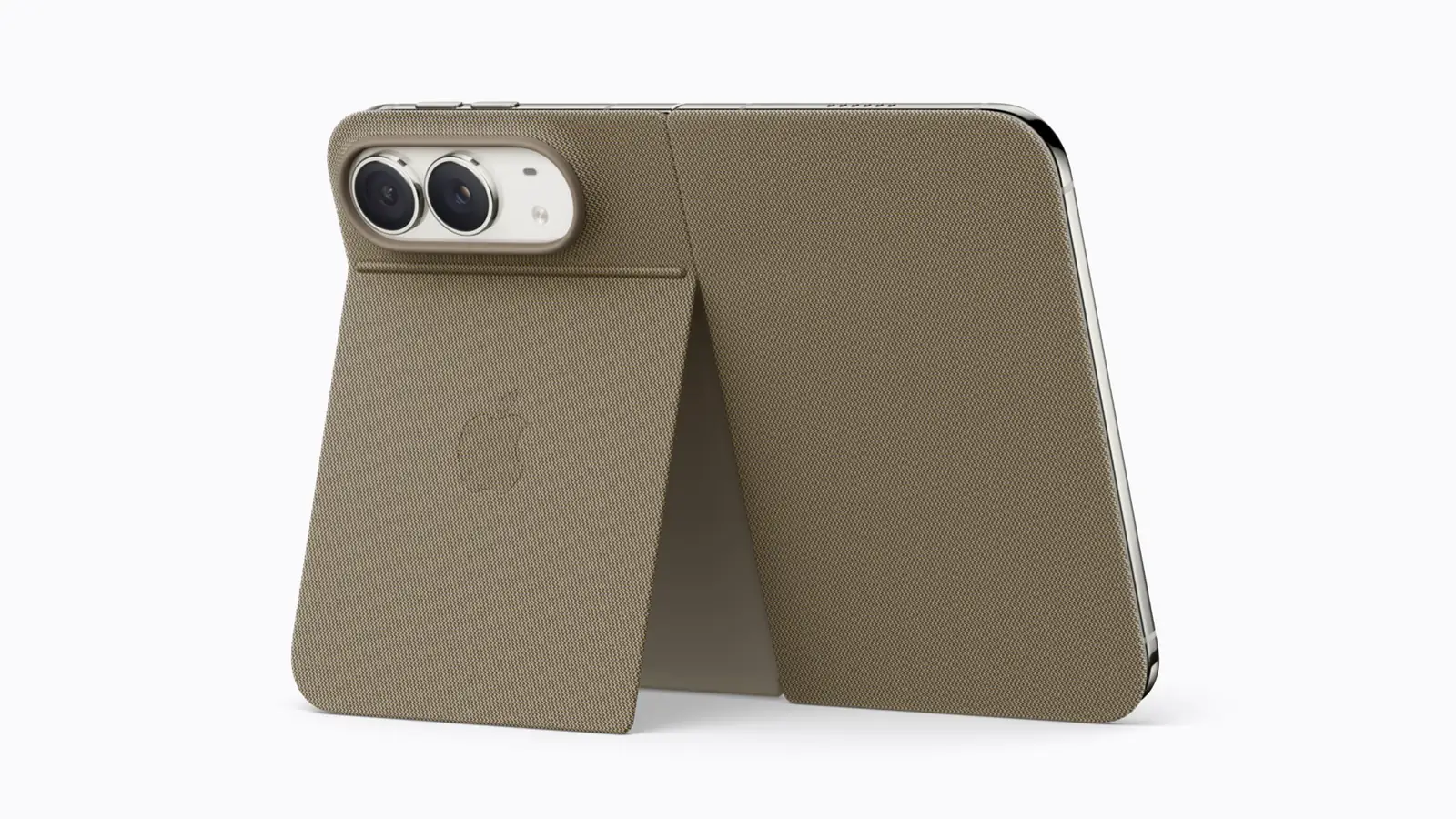
For apps, Standing is the hands-free pose, and the interesting ones use it to show something to a person who is not holding the phone. Vasanth’s TranslateCat stands the open Duo on a table as an interpreter: you read your own words on the inner display and the person facing you reads the translation on the outer one. ryo’s CharaDUO is charades, with the word on the upright half for the describer and the category and countdown on the cover for the guessers. Apple’s own camera features work this way too. Duo Preview shows the people you are photographing their framing on the outer display, Kid Cue plays Peanuts animations there so a child looks at the lens, and Duo FaceTime lets people beside you join the call from it.
There is a catch developers have learned. While the phone is open, the outer display is only available to an app that is actively using the camera. CharaDUO works within that rule by giving the camera a job, recording the guessers for a highlight reel. An app that wants to put a scoreboard on the cover without a camera cannot, yet.
Split View
Split View is new to iPhone with Duo. On the open display, two apps sit side by side, and Apple’s example is practical: “Browse your Photos library on one side, and drag a picture into Mail on the other.” You move an app to one side by dragging it from the home indicator, and it takes that half.
Two things to know. The split is always half and half. g.O.R.i, in a hands-on video the day after the announcement, found you cannot drag the divider to give one app more room. And each app’s controls move to its outer edge, left or right, so an app on the left and the same app on the right look mirrored. For the app, each half is roughly the width of the closed phone, so a good app falls back to its compact layout here, as Bunny Lau’s Tweed Browser sketches do with a slimmer page and a vertical sidebar. One game, Monster, Ink., treats Split View as a trap: snap a second app in and the kaiju eats your city, because the game is about staying off your phone.
Moving between them
The poses are not modes you choose. You will move through several in one task, closing the phone to put it in a pocket, opening it to read, folding it to prop on a table. The phone is built for that: iOS gives the Home Screen two pages, with a vertically scrolling Today View of widgets, and the transition is designed to keep your place. The test of an app is whether it keeps your place too. Scroll position, the text you were typing, the video you were watching should all survive a fold. That is what Apple asks of developers, and it is the first thing FoldHunt’s simulator checklist asks them to try.
How FoldHunt uses these words
Every app page lists the poses its developer has adapted it for, and every pose has its own page: closed, open, book, standing and Split View. The ideas wall filters by the same five. A label is a claim, not a guarantee: an app marked Developer claimed has said so in a post, Simulator verified means the editor has seen it in the simulator, and Launch partner means Apple named it. Nothing on the site has been tested on a real iPhone Duo. That starts on October 23, and the labels will be updated as it happens.
If you build apps, the companion pages are designing for iPhone Duo, which turns these poses into two size classes, and the screen sizes guide, which has the numbers.
Keep reading
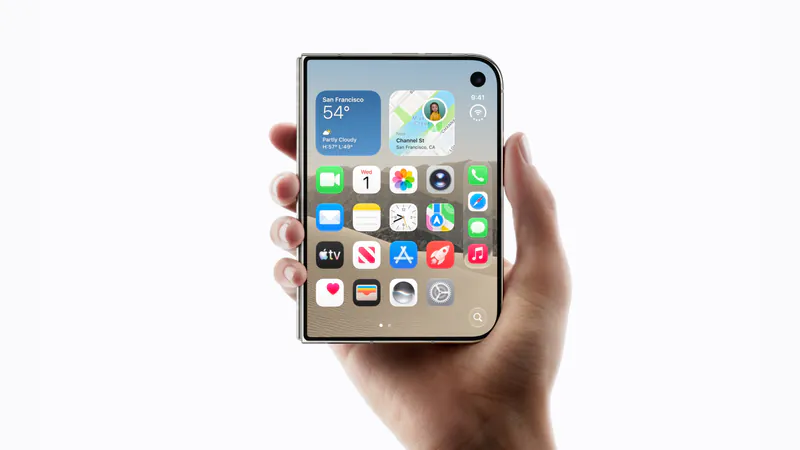
iPhone Duo app ideas: 6 things builders are doing with the fold
Over 300 demos, concepts and prototypes for iPhone Duo, sorted into the six patterns that keep coming up, from the half-folded laptop to the hinge as a controller. A starting point if you're deciding what to build.
Does iPhone Duo run iPad apps? The Duo and the iPad mini
iPhone Duo's inner display is nearly iPad mini sized, but it runs iOS, not iPadOS. What that means for iPad-only apps, why many Duo apps will look like their iPad versions, and what the Duo borrows from iPad.
iPhone Duo games: what's coming, and what the fold does for play
Which games have been shown on iPhone Duo, how un-updated games look on the open display, and the new kinds of play builders are making with the hinge, the half fold and two screens.