A handwritten journal: today's page on one side of the fold, today's plans on the other
Does Penjo: Pencil Journal, Planner work on iPhone Duo?
Yes, since version 3.8 on October 20, 2026, and seen in the simulator: in the book pose the day's page faces its events and reminders, and folding it shut closes the journal.
- Simulator verifiedZafer ARICAN, the developer, in a submission to FoldHunt on October 20, 2026, with simulator screenshots and recordings on the Penjo site (penjoapp.com). The release notes for version 3.8 (released October 20, 2026) say Penjo is now optimized for iPhone Duo in every pose: open, the page uses Penjo's iPad layouts; in the book and seated poses it stays clear of the fold; fold it shut and the journal closes.
Adapted for the fold
- Book · Partly folded
Your page beside your plans
Held open like a book, the day splits at the fold: your handwritten page on the left, and that day's Calendar events and Reminders on the right, where you can tick off a reminder or add an event. The week view puts two days on each side of the fold, and the month and year views leave a gap so no day is cut in half. Set down half open like a laptop, the plans stand up on the upper half and you write on the page lying flat below.
- Open · Inner display
Penjo's iPad layouts
Unfolded, you get the layouts Penjo has on iPad: the day panel beside the page, the week with each day's page and plans, the whole year at a glance, and search across every journal, which reads handwriting. Held tall, the whole page fits with the tools in the side bar.
- Closed · Outer display
Fold it shut, the journal closes
Closed, the cover keeps Penjo's iPhone tools, with the navigation in the side bar. Fold the Duo shut from the book pose and the page is saved, the journal's cover fills the outer display, then shrinks onto its card in your journal list.
- Standing · Hands-free
Sideways on the cover
Turned sideways and stood up, the cover keeps Penjo's landscape layout, with the navigation in the side bar.
About Penjo: Pencil Journal, Planner
Penjo is a journal and planner you write by hand. In the morning, today’s page shows your Apple Calendar events and reminders and you plan around them with Apple Pencil or a finger; by evening the same page is your diary, with notes, sketches and photos. Search finds the words you wrote, even in your handwriting, and iCloud keeps it on iPad, iPhone and Mac. It’s free to start with three journals; Penjo Unlimited adds Calendar and Reminders, iCloud sync and unlimited journals.
Version 3.8, out on October 20, 2026, brings Penjo to the iPhone Duo in every pose. Open it like a book and the day’s page faces its plans; set it half open on a table and you write on the flat half while the plans stand up; unfold it and you get the iPad layouts. Fold it shut from the book pose and the journal closes with it, page saved. Zafer ARICAN says Penjo’s Duo pages use the same PencilKit canvas as on iPad, so Apple Pencil will work there as soon as Apple brings it to the Duo.
Evidence reviews
What we checked, when, and what the evidence establishes. Each record preserves the support label at that check.
· Simulator recording reviewed
Simulator verified · iphone-duo
Watched the site's 8-second clip from the iPhone Duo simulator, with its status ring: a planner page open beside the day's events and reminders, folded into the book pose, then closed, the Planner cover filling the outer display and shrinking onto its card. Also checked the site's screenshots of the book, half-open, open, held-tall and closed layouts in the simulator's device frame.
Poses shown: Book, Open, Closed. These are observations of the evidence, not a test of every interaction.
App version: 3.8. Environment: iPhone Duo simulator.
No Xcode version is given. The site's App Store preview videos weren't watched in full, and Apple Pencil can't be tried in the simulator. No build was tested.
View reviewed evidence ↗
Related guides
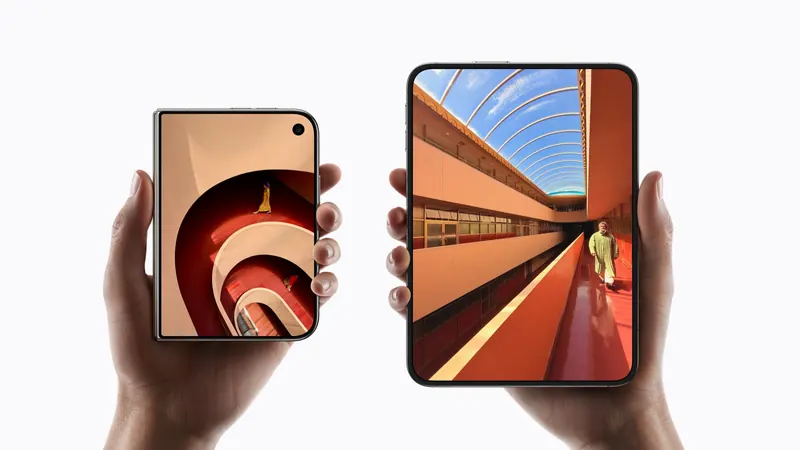
iPhone Duo poses: closed, open, book, standing and Split View
A plain-language guide to the ways you will hold iPhone Duo, what the phone itself does in each, and the apps and ideas that make the most of them. For anyone buying one, and for anyone building for it.
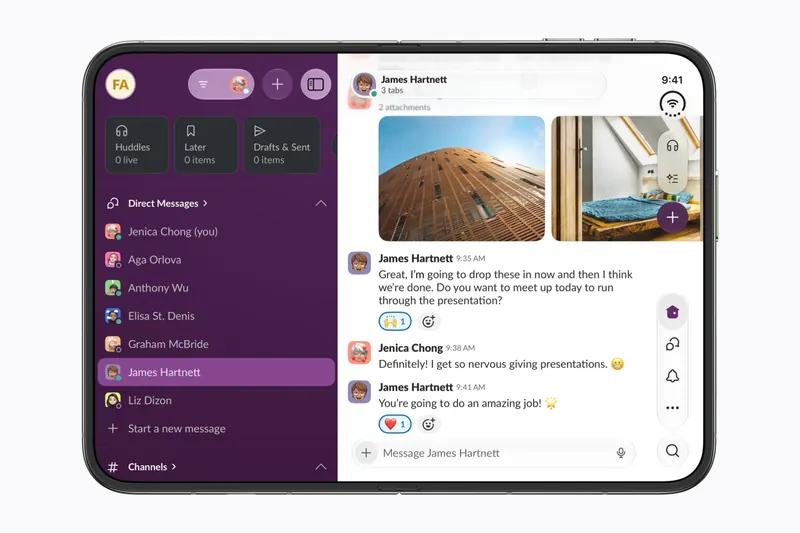
The best iPhone Duo apps so far (October 2026)
The apps worth installing now that iPhone Duo is on sale, from the apps Apple named as launch partners to indie apps whose developers have shown a real iPhone Duo layout, picked for what they do when you open the phone.
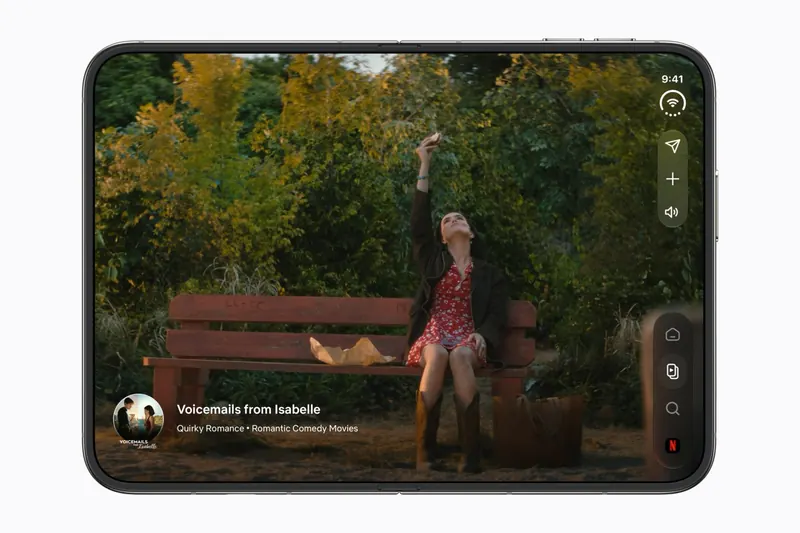
Do your apps work on iPhone Duo? What happens before they're updated
Every iPhone app opens on iPhone Duo, but only updated ones fill the inner display. What an app looks like before its developer adapts it, how to tell which are ready, and which popular apps have said so.
Is this your app?
Add the badge to your site or press kit. It links back to this page, where fans can upvote you.

<a href="https://foldhunt.com/apps/penjo-pencil-journal-planner/"><img src="https://foldhunt.com/badges/featured-on-foldhunt.svg" alt="Featured on FoldHunt" width="220" height="54"></a>Need to update the listing? Email the editor.
Sources: Penjo on iPhone Duo, with simulator screenshots and videos (penjoapp.com) · Penjo: Pencil Journal, Planner on the App Store (apps.apple.com)
More for iPhone Duo

JoyJar
ReAlign Leadership LLC
A shared gratitude jar: open the Duo and the jar faces a joy from it, like a book
Simulator verified: ReAlign Leadership LLC, the developer, in a submission to FoldHunt on October 21, 2026, with a plain screen recording of the app on the iPhone Duo simulator (iOS 27.1) on YouTube and a page about the Duo layouts (joyjar.app). JoyJar is coming soon to the App Store and Google Play.
- Open
- Book
- Closed
- Split View

Megu: SI Closet & Planner
JA Technology Consulting LLC
A digital closet and AI stylist, with the piece you tap beside the grid when open
Simulator verified: Jake Antebi, the founder of Megu, in an email to FoldHunt on October 22, 2026, saying Duo support is live with a layout designed for the unfolded screen, and in a post on the Megu blog on October 19, 2026 saying the Duo layouts arrived in version 1.6. The press kit holds unframed captures of the app on the Duo's cover and open display, at the simulator's screen sizes. The App Store seller is JA Technology Consulting LLC. The release notes for version 1.8 (released October 22, 2026) say: "Improvements for iPhone Duo."
- Closed
- Open
- Book

Fuel Consumption – DriveDex
Florian Seida
Your vehicles in a column beside the stats for the one you picked, with a window each
Simulator verified: Florian Seida, the developer, in a submission to FoldHunt on October 20, 2026, with a recording of the app in the iPhone Duo simulator in a post on X. The release notes for version 2.5.0 (released October 20, 2026) say DriveDex makes better use of the screen on iPhone Duo and iPad, and that vehicles, statistics and logs can now open in separate windows.
- Open
- Split View
- Closed