Split View on iPhone Duo: two apps side by side
iPhone Duo is the first iPhone that can show two apps at once. How Split View works, what its limits are, and which apps are built to share the screen.
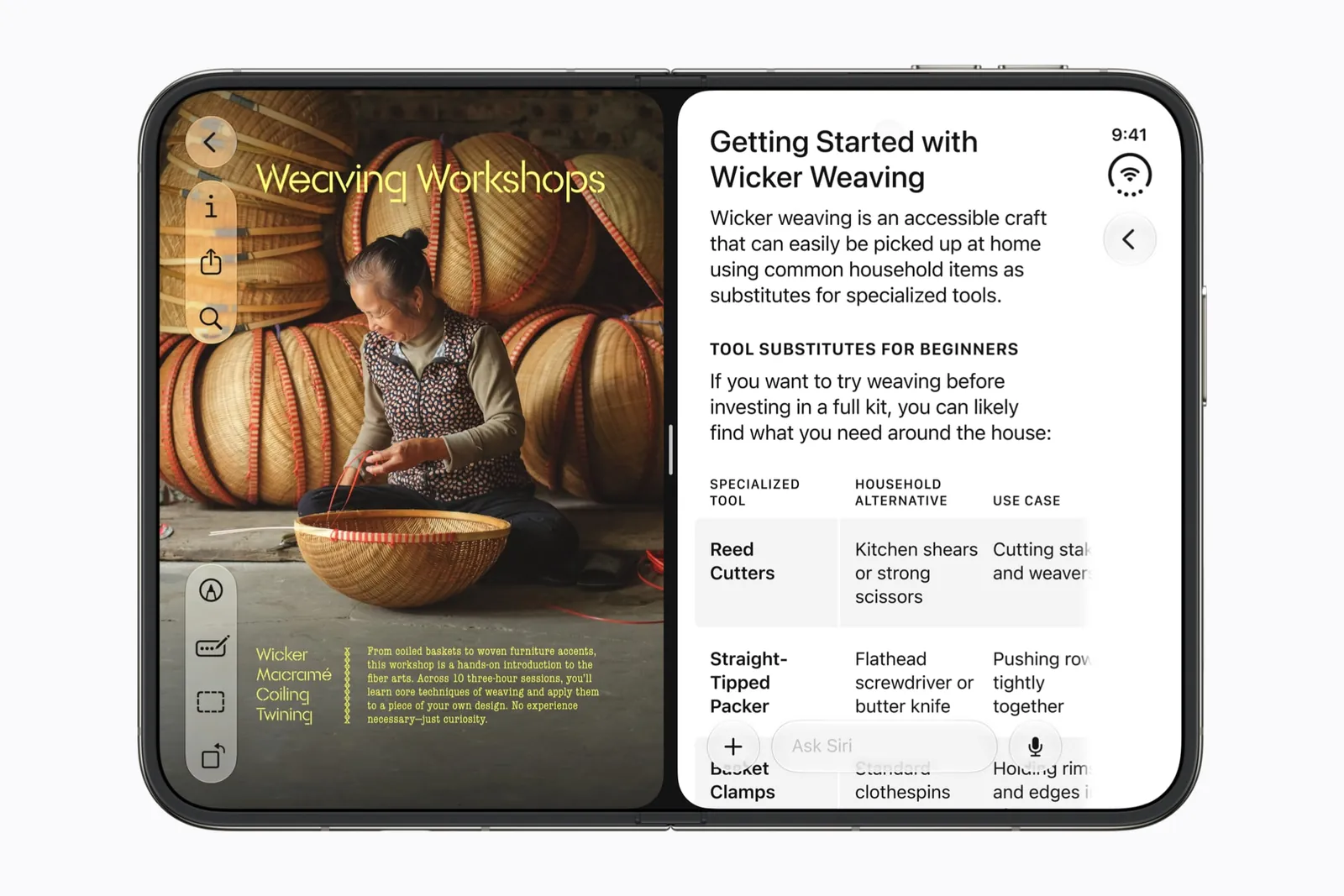
Split View has been on iPad for years. iPhone Duo is the first iPhone to get it. In Apple’s words, it “allows users to open two apps side by side on iPhone for the first time.” This page covers what it does, where its limits are, and what a well-made app does when it only has half the screen.
In short
- Split View works on the open inner display, with two apps, one on each side of the fold.
- You put an app on one side by dragging it from the home indicator at the bottom of the screen.
- The split is always half and half. You cannot give one app more room.
- You can drag things between the two apps. Apple’s example is a photo from Photos into Mail.
- Each half is about as wide as the closed phone, so a good app switches to its compact layout.
What Apple shows
Apple’s example on the iPhone Duo page is ordinary on purpose: “Now you can browse your Photos library on one side, and drag a picture into Mail on the other.” Two apps, each on its own side of the fold, with drag and drop between them. It is the first time an iPhone has done this, and it only happens on the inner display. Closed, iPhone Duo is a one-app phone like every iPhone before it.
How you start it
With the phone open, drag the app you are using from the home indicator, the bar at the bottom edge, toward one side. It takes that half of the display, leaving the other half for a second app.
That description comes from hands-on videos and the simulator in Apple’s developer tools. Nobody outside Apple has a phone yet, so treat the exact gesture as provisional until October 23.
The limits
g.O.R.i, who posted a hands-on video the day after the announcement, found the first limit straight away: the divider does not move. The split is half and half, always. There is no way to give one app more room.
The second limit is the number of apps: two, on the inner display. Android Authority, writing about what the Duo means for foldable apps in general, noted that Apple restricts multitasking to two apps side by side on the open display.
One more detail you will notice. iOS 27 puts an app’s back buttons, tabs and toolbars in a column down the edge of the screen. In Split View each app’s column goes to its outer edge: the left app’s controls on the left, the right app’s on the right. The same app looks mirrored depending on which side it is on.
What a good app does with half the screen
Each half of the open display is roughly the width of the closed phone. An app that has been adapted for iPhone Duo notices and goes back to its phone layout, instead of trying to squeeze a two-column design into one column’s width.
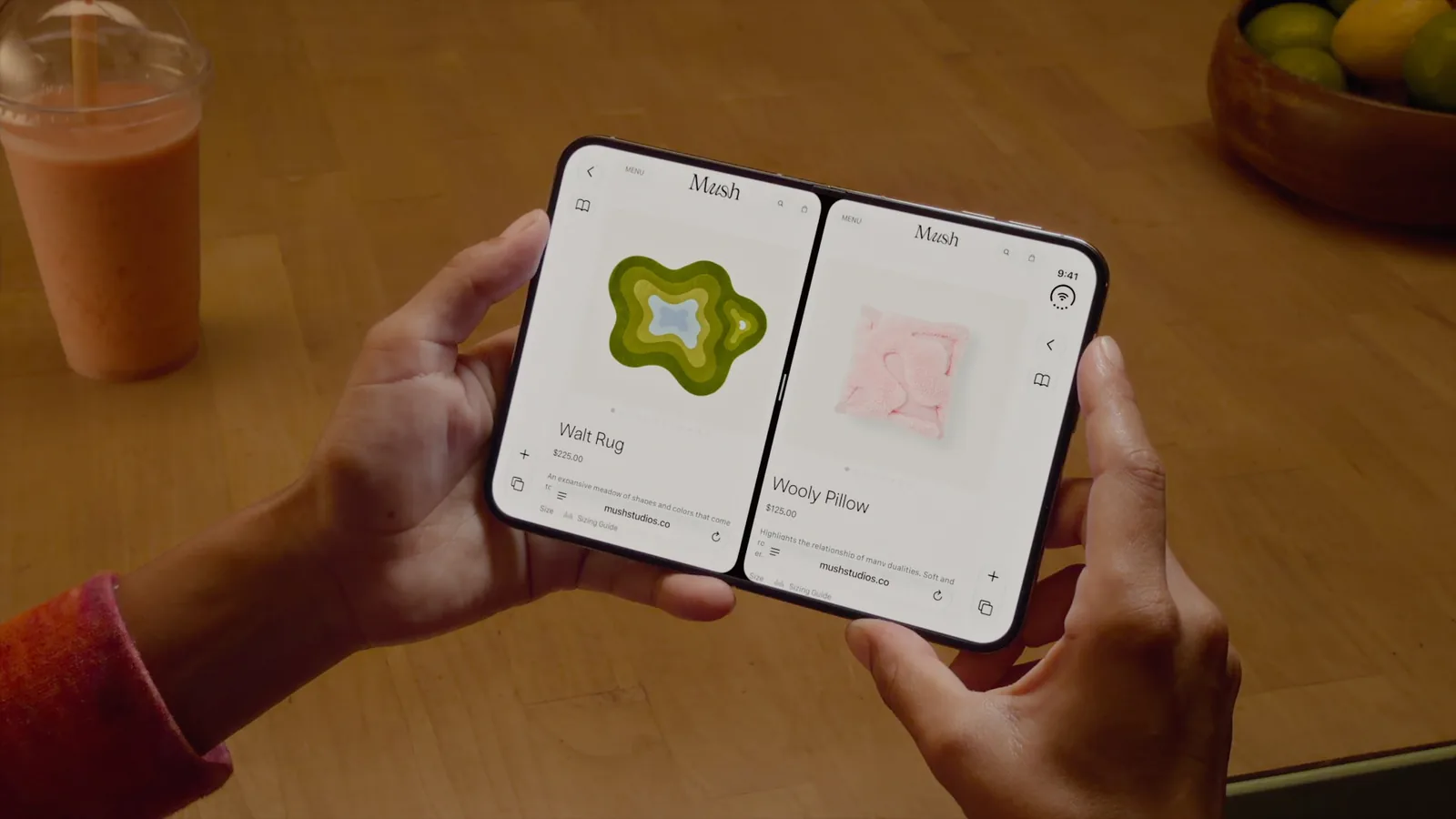
- Inoreader switches back to its compact phone layout when it shares the screen.
- Agent HUD keeps to its own half, with nothing on the hinge.
- The Gift Journal uses the other app: with Safari open beside it, you can drag a product link straight into its capture box.
- Bunny Lau’s Tweed Browser sketches show a browser doing the same, with a slimmer page and a vertical sidebar.
Those are what the developers have shown, mostly in the simulator. Every app and idea on FoldHunt that has a Split View layout carries the Split View label, and they are collected on the Split View page.
One game treats it as a trap. Monster, Ink. is about staying off your phone, so if you snap a second app in beside it, the monster eats your city.
What we don’t know yet
Whether an app that has not been updated for iPhone Duo can go into Split View, and what it looks like there, is something we have not seen confirmed. Neither is how well drag and drop works between apps from different developers. Both wait for the hardware on October 23. In the meantime, how apps that aren’t updated run on iPhone Duo covers the full-screen case, and the poses guide covers the other four ways to hold the phone.
Keep reading
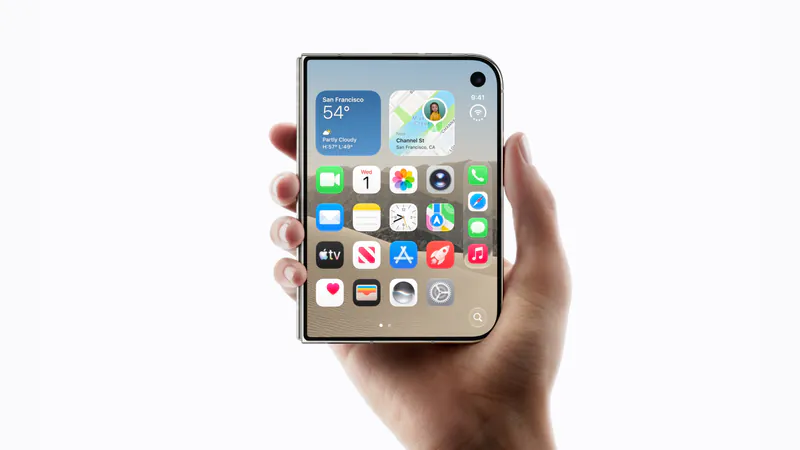
iPhone Duo app ideas: 6 things builders are doing with the fold
Over 300 demos, concepts and prototypes for iPhone Duo, sorted into the six patterns that keep coming up, from the half-folded laptop to the hinge as a controller. A starting point if you're deciding what to build.
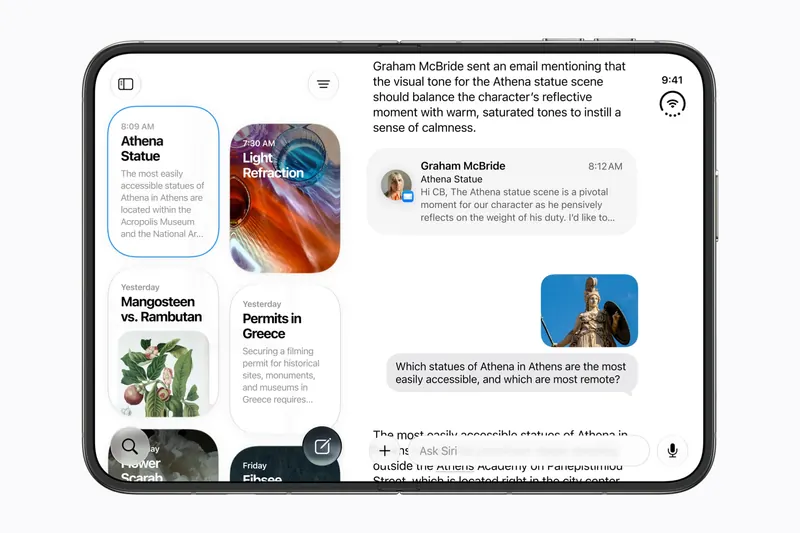
Does iPhone Duo run iPad apps? The Duo and the iPad mini
iPhone Duo's inner display is nearly iPad mini sized, but it runs iOS, not iPadOS. What that means for iPad-only apps, why many Duo apps will look like their iPad versions, and what the Duo borrows from iPad.
iPhone Duo games: what's coming, and what the fold does for play
Which games have been shown on iPhone Duo, how un-updated games look on the open display, and the new kinds of play builders are making with the hinge, the half fold and two screens.