iPhone Duo app ideas: 6 things builders are doing with the fold
Over 300 demos, concepts and prototypes for iPhone Duo, sorted into the six patterns that keep coming up, from the half-folded laptop to the hinge as a controller. A starting point if you're deciding what to build.
Since Apple announced iPhone Duo on September 9, developers and designers have posted hundreds of demos, sketches and prototypes. FoldHunt collects them on the ideas wall, more than 300 so far. Most were built in a simulator, and many came out of Bitrig Hacks, a hackathon run by the app builder Bitrig.
Read enough of them and the same six ideas keep coming back. Here they are, with the best example of each. If you’re deciding what to build for the Duo, start here.
In short
- List beside detail. The obvious one, and still the most useful: the list on one half, what you picked on the other.
- Screen up, controls down. Half folded like a laptop, the upright half shows and the flat half takes input.
- The hinge as a controller. The fold angle drives something: a flap, a dial, a joint, an instrument.
- Two people, two halves. The Duo can face two people at once, so an app can give each their own screen.
- The phone as an object. A book, a cassette player, a postcard: the fold works like the thing it imitates.
- The cover as its own app. The closed phone shows something different, not a smaller copy.
List beside detail
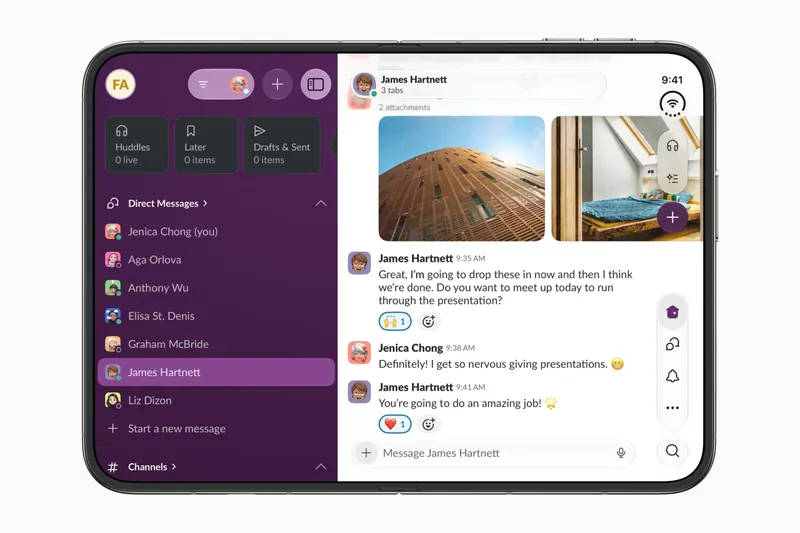
This is what Apple’s launch partners did. Slack puts the conversations beside the one you’re reading, and many of the apps in the directory do some version of it: Inoreader with feeds and articles, Tripsy with places and the map, Trophikos with recipes. It isn’t exciting, and it doesn’t need to be. On a 7.6-inch display it saves a tap every time.
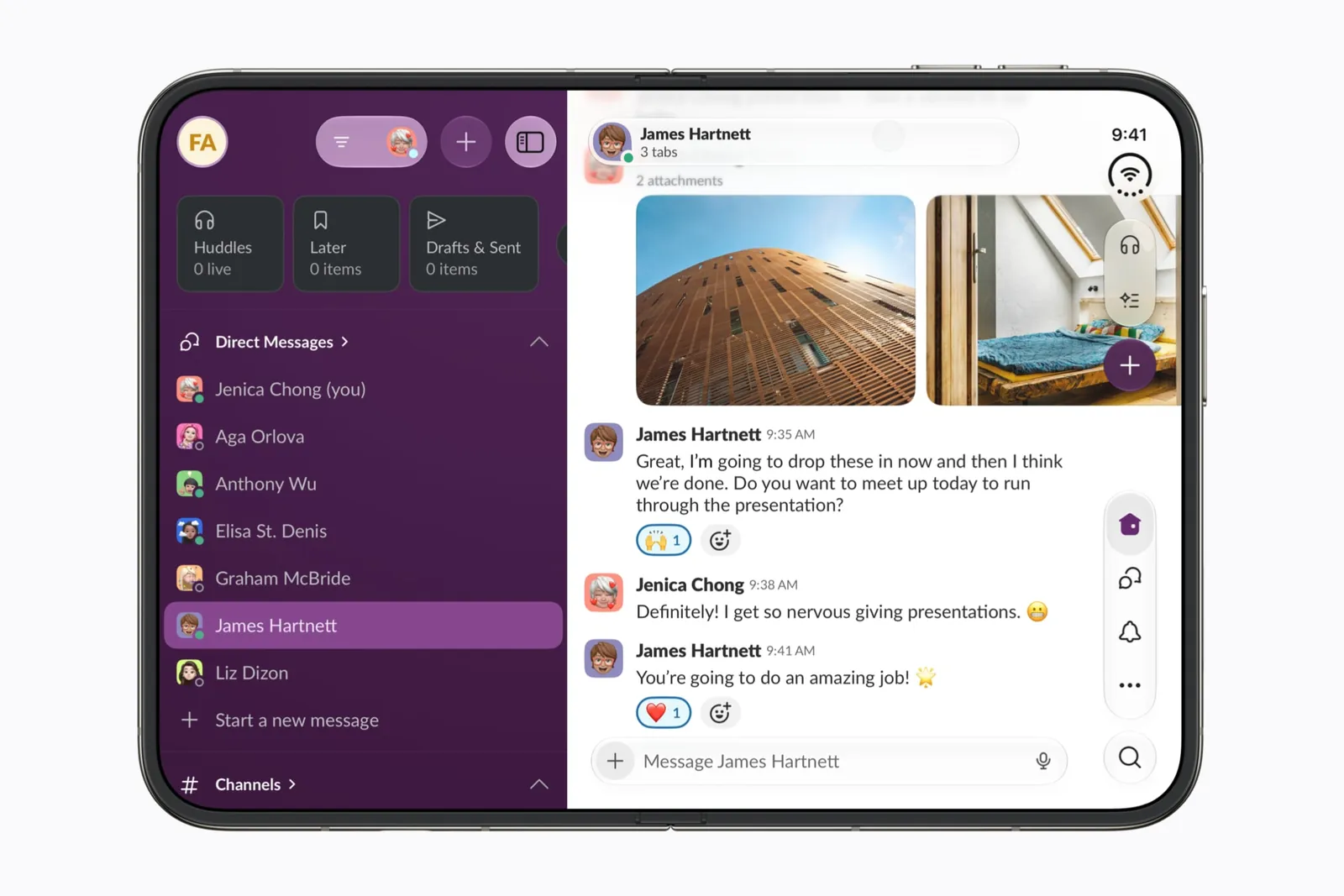
The good ones change what each half holds as the phone opens, rather than stretching one column. 24me shows a task list on the cover and the list beside a task’s details inside.
Screen up, controls down
Half folded, the Duo stands on its own like a small laptop. The upright half is for looking, the flat half is for your thumbs. It is the pose that most changes what a phone can do.
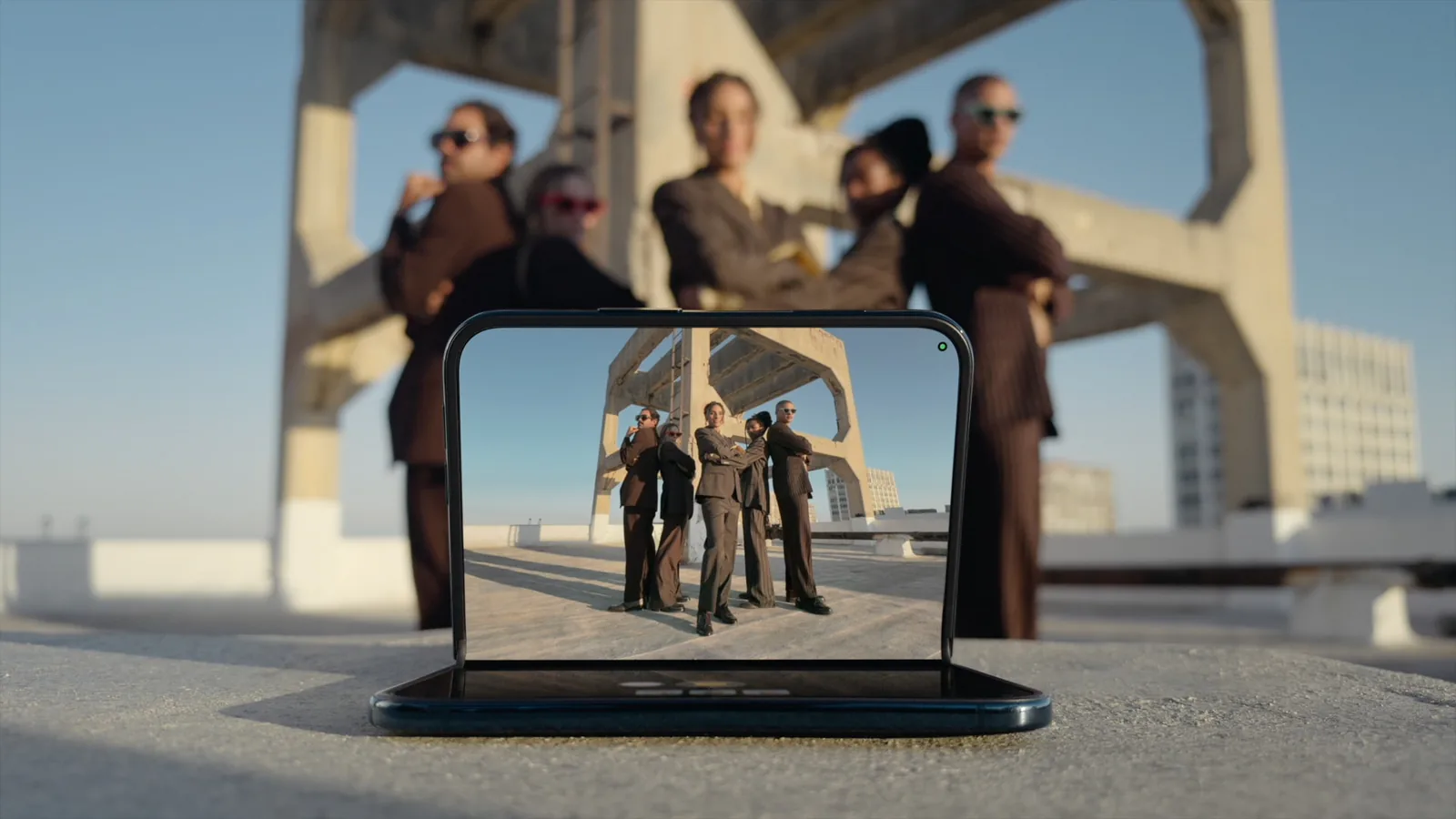
- PCalc moves every key below the fold once the phone is clearly a laptop.
- Asobi plays a PS5 game on the top half with a touch controller below.
- Telkino puts your Mac’s screen on top and a trackpad and keys below.
- Trimothy shows the video above and the timeline below.
- Tutti and Key turn the phone into a music stand.
- Saura stands on a vanity with your face above and the routine below.
The hinge as a controller
Most apps treat the fold as a layout switch. These treat the angle as an input you can feel, with a range of motion.
- Bend reads the angle as a knee or elbow for physio exercises.
- Accorduon makes the hinge the bellows of an accordion.
- Generalizable tilts a slice through a CT scan with the fold.
- Pulse works a DJ effect with it.
- Duo Home dims a lamp as you open the phone.
- Knuckle closes a real robot gripper.
- FoldSafe and the hinge pinball make games of it.
All of these have been built in the simulator, where the hinge is a slider. How precise and how fast a real hinge reads is the open question for October 23. The hinge guide has what developers get, and why every hinge control needs a second way in.
Two people, two halves
Stand the Duo open on a table and its two halves face two people. Close it partly and the cover faces outward while the inner display faces you. No iPhone could do that before.
- Bridge and TranslateCat are translators: each person reads their own side.
- Flipside keeps your pitch notes on your half and the slides on theirs.
- DEPTH CHARGE plays Battleship with the upright half as the wall between fleets.
- Duo Arcade passes the turn by closing and opening the phone.
- The Date Deck gives each partner a half to set their own filters.
The phone as an object
The Duo has a lid, a spine and two faces. Some of the most memorable ideas lean into that and make the phone behave like something you already know how to use.
- Walkman Sports and Duo-Man are cassette players: pick a tape open, close the lid to play.
- Spine and Vertically Verse are books, with the fold as the spine.
- Foldtales and Pop-Up Post are pop-up books, with paper that rises as the hinge moves.
- Postcards makes the fold the crease of a card.
- Innards turns a watch case to glass as you open the phone.
These need no instructions. That is their whole advantage.
The cover as its own app
The closed Duo is a 5.4-inch iPhone, and most apps will just show their phone layout there. A few give the cover its own job, so closing the phone is part of using the app.
- Monster, Ink. builds a city on the cover while the phone stays shut, and destroys it if you open it.
- Duo-Man uses the cover as the player once you’ve chosen a tape inside.
- SHUT makes closing the phone your guard in a fight.
- In the directory, Longplay keeps an album wall on the cover and Needl shows a record visualizer when the phone stands like a tent.
What makes a good one
The ideas that hold up have three things in common. Each pose has a reason to exist, not just a size. The move between poses means something: opening starts, closing saves or plays or hides. And the app still works if you never fold the phone at all, because most people won’t fold it mid-task.
If you’ve built or sketched something for the Duo, send it in. Every idea on the wall is credited to its maker with a link back. Developers adapting an existing app will also want the design guide and the simulator checklist.
Keep reading
Does iPhone Duo run iPad apps? The Duo and the iPad mini
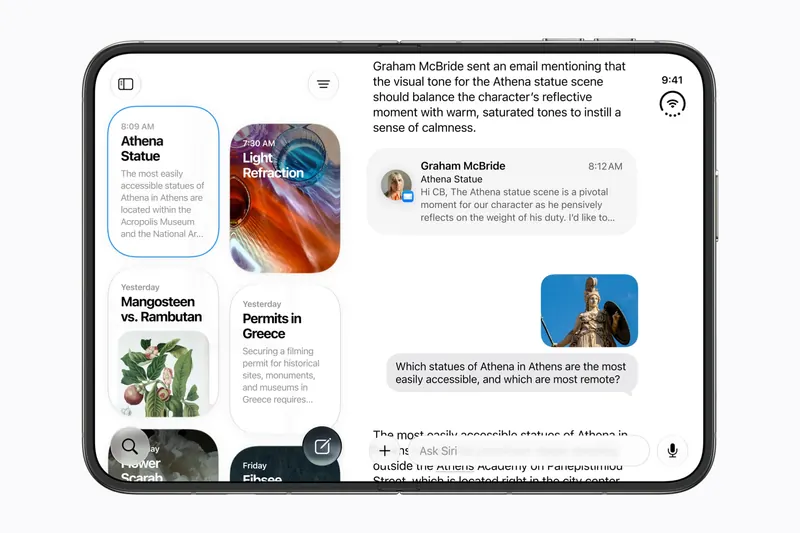
iPhone Duo's inner display is nearly iPad mini sized, but it runs iOS, not iPadOS. What that means for iPad-only apps, why many Duo apps will look like their iPad versions, and what the Duo borrows from iPad.
iPhone Duo games: what's coming, and what the fold does for play
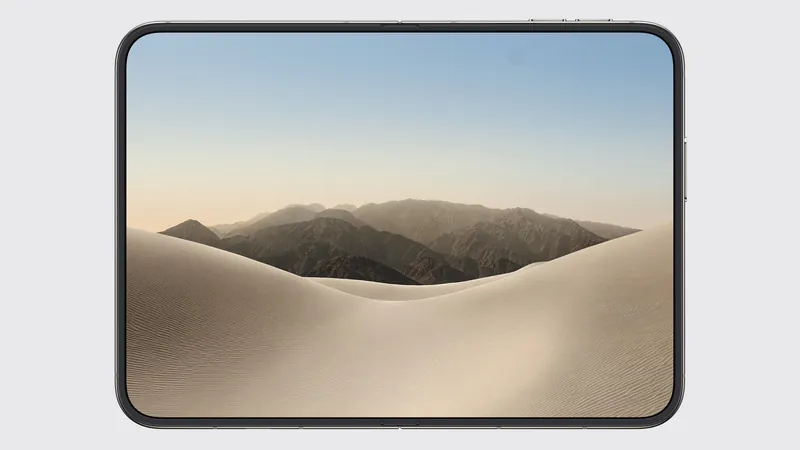
Which games have been shown on iPhone Duo, how un-updated games look on the open display, and the new kinds of play builders are making with the hinge, the half fold and two screens.
The best iPhone Duo apps so far (October 2026)
The apps worth installing on day one, from Apple's four launch partners to indie apps whose developers have shown a real iPhone Duo layout, picked for what they do when you open the phone.