
An RSS reader that swipes through cards closed and splits list and article open
Does Flit - Easy Feed work on iPhone Duo?
Yes, and seen in the simulator: closed, you swipe through your feed one card at a time; open, the Library sits on one half and the article on the other.
- Simulator verifiedEdoardo Galati, the developer, in a submission to FoldHunt on October 18, 2026, with a screen recording of the app on the iPhone Duo in a post on X (October 11, 2026), and in the App Store release notes. Version 1.3 (released October 18, 2026) says that on iPad, Mac and the open iPhone Duo, articles read in a comfortable column. Version 1.2.1 had already named a half-folded layout and Immersive View.
Adapted for the fold
- Closed · Outer display
The swipe deck, then an immersive card
Closed, it is the swipe deck you'd see on any iPhone. Turn the cover on its side and only the Inbox turns with it, into an immersive dark card that reads like a magazine page.
- Open · Inner display
Library on one half, the article on the other
Open, Flit becomes a two-column reader: the Library on one half and the article on the other, with the divider on the hinge and the text in a comfortable reading column. The layout stays put when you rotate the phone, and pages you open turn with the device as it unfolds. Articles can also become pages you flip across the fold, like a real book.
- Book · Partly folded
A little laptop
Half-folded like a laptop, the card sits in the top half and the swipe controls in the bottom half. There is also a layout of large tiles to flick through, and Settings lets you choose which half goes where.
- Split View · Two apps
Split View
In Split View, the Library list and the article still sit side by side, each half has a full app layout, and Settings and More stay next to the title.
About Flit - Easy Feed
Flit is a calm way to keep up with the sites you love. New articles arrive as a small deck of cards: swipe right to keep one for later, swipe left to let it go, or tap to read it, and undo is always one tap away. It works with RSS, so you follow exactly the sources you choose, and you can bring your subscriptions from another reader with an OPML file. Saved articles wait in a Library sorted into Unread, Later and Read. Flit is free, with no account, no ads and no tracking.
On the iPhone Duo, Flit uses each pose differently, says Edoardo Galati. Closed, it is the swipe deck, and the Inbox turns into an immersive card when the cover is on its side. Open, the Library and the article sit side by side with the divider on the hinge. Half-folded like a laptop, the card is on top and the swipe controls below. A screen recording in the developer’s post on X shows the closed and open layouts.
Evidence reviews
What we checked, when, and what the evidence establishes. Each record preserves the support label at that check.
· Simulator recording reviewed
Simulator verified · iphone-duo
Watched the 37-second screen recording in the developer's October 11 post, the app running in a Duo frame with a touch dot on screen. Closed, the Inbox shows one article card with Discard and Later buttons, and the Library and an article fill the cover. Open, the Library list sits on the left and the article on the right, and picking another story changes the article.
Poses shown: Closed, Open. These are observations of the evidence, not a test of every interaction.
App version: Not recorded in this evidence. Environment: iPhone Duo simulator.
A framed recording of the cover and the open display only. The page-flipping layout, the half-folded laptop layout, the large tiles and Split View, which the developer describes, aren't shown. No build was tested.
View reviewed evidence ↗
On the ideas wall
All ideasJust a little update. Flit is ready for Duo! Can't wait for you to try it. It will be on the App Store on October 23rd.

 Edoardo Galati@edogalatiI might not be very active on X, but that’s just because I’m cooking every day.
Tired of boring RSS feeds? If @avec was the Tinder of mail, this is the Avec of RSS feeds.

On X
Flit is now live on the App Store! I'm beyond excited for this, and I'm happy I could go live on the day of iPhone Duo preorders. Enjoy Flit, and please leave feedback! 💙 apps.apple.com/app/apple-stor…

Just a little update. Flit is ready for Duo! Can't wait for you to try it. It will be on the App Store on October 23rd.
Edoardo Galati@edogalatiI might not be very active on X, but that’s just because I’m cooking every day.
Tired of boring RSS feeds? If @avec was the Tinder of mail, this is the Avec of RSS feeds.Related guides
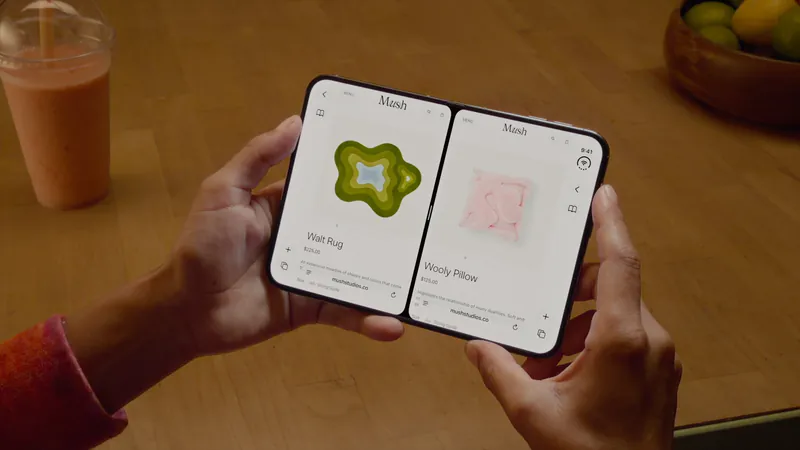
Split View on iPhone Duo: two apps side by side
iPhone Duo is the first iPhone that can show two apps at once. How Split View works, what its limits are, and which apps are built to share the screen.
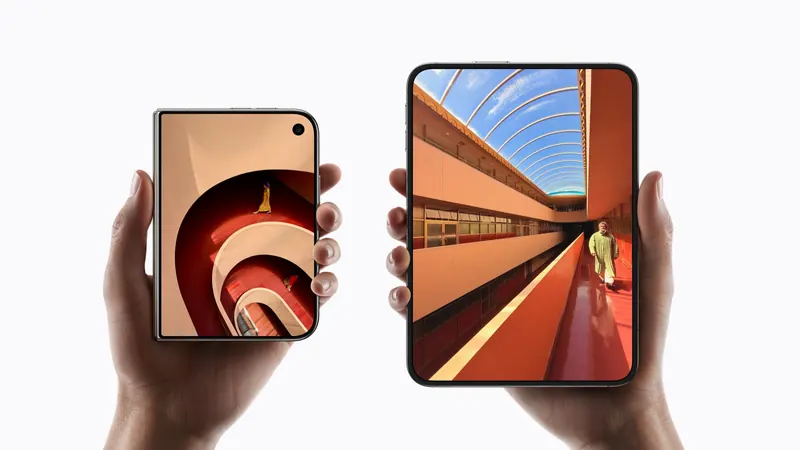
iPhone Duo poses: closed, open, book, standing and Split View
A plain-language guide to the ways you will hold iPhone Duo, what the phone itself does in each, and the apps and ideas that make the most of them. For anyone buying one, and for anyone building for it.
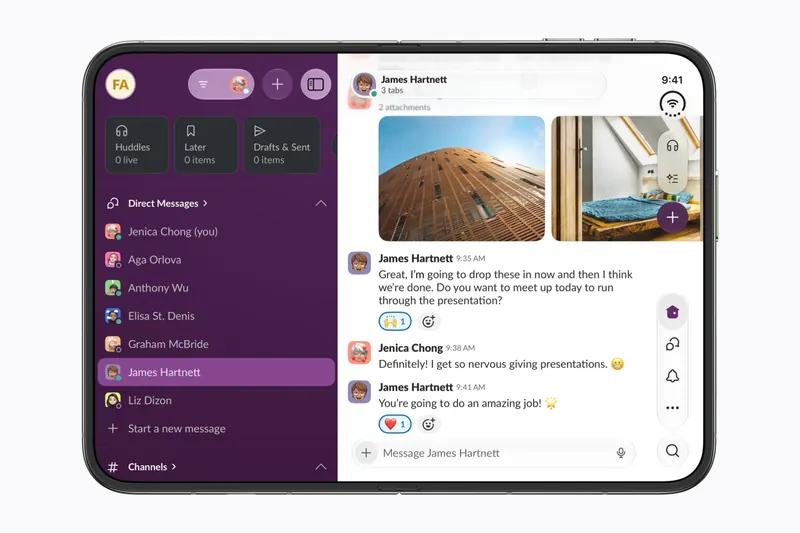
The best iPhone Duo apps so far (October 2026)
The apps worth installing now that iPhone Duo is on sale, from the apps Apple named as launch partners to indie apps whose developers have shown a real iPhone Duo layout, picked for what they do when you open the phone.
Is this your app?
Add the badge to your site or press kit. It links back to this page, where fans can upvote you.

<a href="https://foldhunt.com/apps/flit-easy-feed/"><img src="https://foldhunt.com/badges/featured-on-foldhunt.svg" alt="Featured on FoldHunt" width="220" height="54"></a>Need to update the listing? Email the editor.
Sources: Flit - Easy Feed on the App Store (apps.apple.com) · Edoardo Galati's post on Flit and the Duo (October 11, 2026) (x.com) · Edoardo Galati's post announcing Flit (October 16, 2026) (x.com) · Edoardo Galati's comment on Reddit (reddit.com)
More for iPhone Duo

Scoopy: News Reader and Icebox
Basement Softworks, LLC
An RSS reader with no timeline: half-fold the Duo and an article reads like a book
Simulator verified: Dan at Basement Softworks, the developer, in a submission to FoldHunt on October 21, 2026. The developer's YouTube video "iPhone Duo App Demo: FINALLY in the simulator" (October 7, 2026) shows the app running in the iPhone Duo simulator. The App Store description of version 1.0 (released October 19, 2026) says Scoopy fully supports the iPhone Duo, with a new way to read articles in Book Mode.
- Book
- Open
- Closed

Bulletin: RSS News Reader
Pixelfolio Inc.
An RSS reader with summaries: open, the article list sits beside the article
Simulator verified: Dom at Pixelfolio Inc., the developer, in a submission to FoldHunt on October 20, 2026, with a video and unframed screenshots from the iPhone Duo simulator in the Bulletin press kit (pixelfolio.app). The press kit lists version 3.1 and iPhone Duo among the platforms. Version 3.1 reached the App Store on October 22, 2026, and its release notes say "Bulletin 3.1 is made for iPhone Duo."
- Open
- Closed
PodMelody
Slip Angle Dynamics Pty Ltd
One listening queue, with music beside podcasts when open
Simulator verified: The developer, in a post on X on October 12, 2026 with a picture of the app open (@PodMelody on X), and in the App Store release notes for version 1.1.6 (released October 11, 2026): closed, the mix and its player stay on the cover; open, Music sits beside Podcasts; and half-folded, Now Playing in the Editorial style divides at the fold.
- Open
- Closed
- Book