
A Japanese dictionary that keeps the page you're reading beside the definitions
Does Nihongo work on iPhone Duo?
Yes: the release notes for version 1.36 (released October 19, 2026) say Nihongo adapts as you fold and unfold iPhone Duo, and the developer's simulator recording shows the reading layout open.
- Simulator verifiedSerpenti Sei Japan, the developer, in a submission to FoldHunt on October 9, 2026, saying the iPhone Duo update will be on the App Store in time for the October 23 launch, with a screen recording of it in the iPhone Duo simulator (screen.studio). The developer says the layout was also tried on a real iPhone Duo at a workshop at Apple's Japan headquarters. The App Store seller is Serpenti Sei Japan LLC (id 881697245). The release notes for version 1.36 (released October 19, 2026) say Nihongo adapts as you fold and unfold iPhone Duo, making the most of both displays.
Adapted for the fold
- Open · Inner display
The text and its definitions side by side
Open, the sidebar of Dictionary, Photo Lookup, Clippings and Flashcards sits beside the page you're on, and the new reading layout puts the Japanese on the left and the definitions on the right, so you look words up without swapping the original for a translation.
- Book · Partly folded
Read on the left, look up on the right
Half-folded like a book, a manga page or a clipping with furigana fills the left page, and the word you tap opens on the right with its reading, meanings, kanji and example sentences. Turn pages with your left thumb and browse the definitions with your right.
About Nihongo
Nihongo is an offline Japanese dictionary and reading assistant, with more than 200,000 words and 6,000 kanji. Take a photo of Japanese text or paste it in, and Nihongo adds furigana or romaji, lets you tap any word for its definition, and turns the words you looked up into flashcards.
Serpenti Sei sent it to FoldHunt with a new reading layout for iPhone Duo, now in version 1.36. Half-folded like a book, the developer’s recording shows a manga page or a clipping on the left page and the dictionary on the right: tap a word and its reading, meanings, kanji and example sentences open beside the text, so you keep reading the original instead of a translation.
Evidence reviews
What we checked, when, and what the evidence establishes. Each record preserves the support label at that check.
· Simulator recording reviewed
Simulator verified · iphone-duo
Watched the developer's 82-second Screen Studio recording of the iPhone Duo simulator (device frame, presenter's camera in the corner): open, the sidebar of Dictionary, Photo Lookup, Clippings and Flashcards beside the page; a manga page on the left with Select a Word on the right, then the definition of 病院; and a clipping with furigana on the left beside the definitions of 出る.
Poses shown: Open. These are observations of the evidence, not a test of every interaction.
App version: Not recorded in this evidence. Environment: iPhone Duo simulator.
The phone is drawn slightly bent at the hinge in places, but no clearly half-folded layout is shown, nor the closed one. The recording names no app version. No build was tested.
View reviewed evidence ↗
Related guides
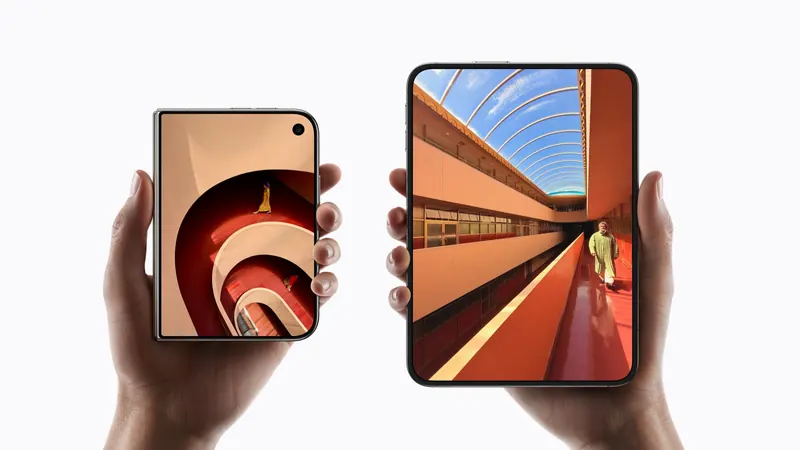
iPhone Duo poses: closed, open, book, standing and Split View
A plain-language guide to the ways you will hold iPhone Duo, what the phone itself does in each, and the apps and ideas that make the most of them. For anyone buying one, and for anyone building for it.
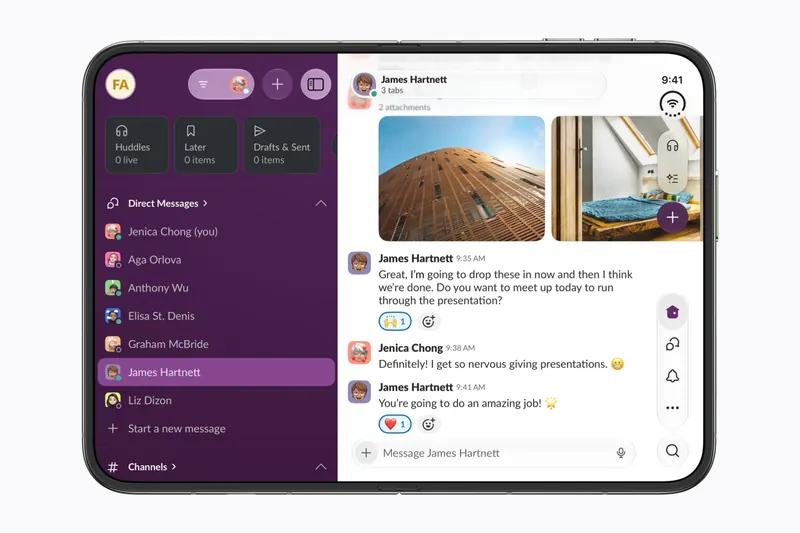
The best iPhone Duo apps so far (October 2026)
The apps worth installing now that iPhone Duo is on sale, from the apps Apple named as launch partners to indie apps whose developers have shown a real iPhone Duo layout, picked for what they do when you open the phone.
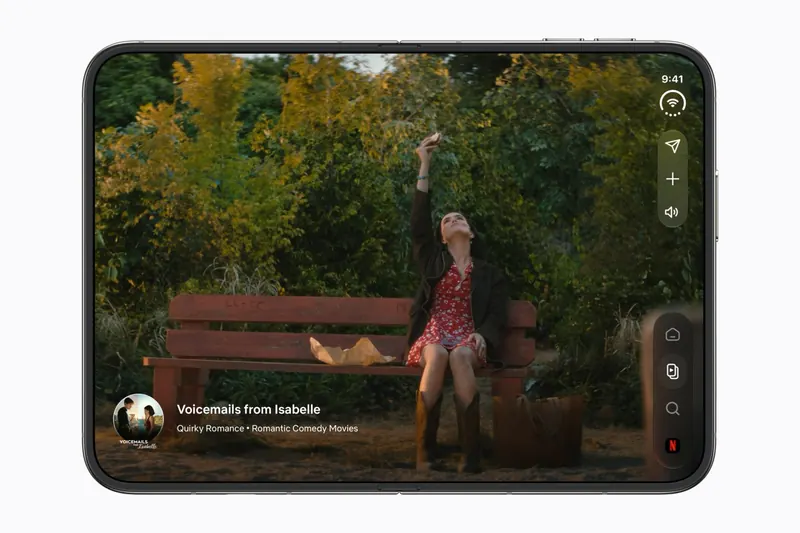
Do your apps work on iPhone Duo? What happens before they're updated
Every iPhone app opens on iPhone Duo, but only updated ones fill the inner display. What an app looks like before its developer adapts it, how to tell which are ready, and which popular apps have said so.
Is this your app?
Add the badge to your site or press kit. It links back to this page, where fans can upvote you.

<a href="https://foldhunt.com/apps/nihongo/"><img src="https://foldhunt.com/badges/featured-on-foldhunt.svg" alt="Featured on FoldHunt" width="220" height="54"></a>Need to update the listing? Email the editor.
Sources: Nihongo on iPhone Duo (screen recording) (screen.studio) · Nihongo on the App Store (apps.apple.com) · Nihongo (nihongo-app.com)
More for iPhone Duo

Sky Guide
Fifth Star Labs LLC
A stargazing guide whose sky view widens as the phone unfolds
Launch partner: Named by Apple in its Newsroom article of October 22, 2026, on apps optimized for iPhone Duo. The App Store release notes for version 13.1 (released October 14, 2026) say Sky Guide is optimized for iPhone Duo and that the sky view widens as the phone unfolds.
- Open
DexFold
Hernan Rosario / IntraPixel
A talking Dex that folds like the real one, with a data screen when half-folded
Simulator verified: IntraPixel, the developer, in a submission to FoldHunt on October 18, 2026, with pictures of the closed and open layouts on the app's website (intrapixel.com). The App Store seller is Hernan Rosario. The App Store description describes the closed, open and half-folded layouts.
- Closed
- Open
- Book

Pocket Greek Dictionary
Barry Brown
Ancient Greek word list on one side, the entry on the other when open
Simulator verified: The developer, Barry Brown, posted it on the iPhone Duo simulator and said the next version will be ready for the Duo, with a TestFlight beta that has wider screen support (@RezOtaku on X).
- Open