
Sticky notes as widgets, with a larger library and side-by-side editing on the Duo
Does Sticky Widgets work on iPhone Duo?
Yes, since version 5.4.0 on October 13, 2026, and seen in a simulator screenshot: open, the note library and the note you're editing sit side by side.
- Simulator verifiedTyler Hillsman, the developer, in the App Store release notes for version 5.4.0 (released October 13, 2026), which add iPhone Duo support with a larger library and side-by-side editing, and in a submission to FoldHunt on October 17, 2026, with an unframed screenshot of the app in the iPhone Duo simulator in the press kit (stickywidgets.app). The App Store seller is 1881 Digital, LLC; the App Store pictures show ordinary iPhones and iPads.
Adapted for the fold
- Open · Inner display
Library and note side by side
Open, the note library runs down one side as square previews that keep their colors, gradients and patterns, and you edit a note beside it, with its fonts along the top. The previews stay square as the screen changes size.
About Sticky Widgets
Sticky Widgets turns notes and checklists into widgets you can style. Tyler Hillsman makes it, and 1881 Digital, LLC sells it on the App Store.
Version 5.4.0 gives the iPhone Duo a larger note library and side-by-side editing: open the phone and you browse your notes in one column while you edit one beside it, with square previews that keep each note’s colors, gradients and patterns as the screen changes size. A note you haven’t finished and your place in a checklist are kept, the release notes say. The developer’s press kit has a screenshot of the open layout from the iPhone Duo simulator.
Evidence reviews
What we checked, when, and what the evidence establishes. Each record preserves the support label at that check.
· Simulator screenshots reviewed
Simulator verified · iphone-duo
Checked the unframed iPhone Duo screenshot in the developer's press kit: 2853 × 2007 pixels, the size of the iPhone Duo simulator's open display turned sideways. It shows the note library as a column of square previews on the left and a note open in the editor across the rest, with font choices along the top.
Poses shown: Open. These are observations of the evidence, not a test of every interaction.
App version: Not recorded in this evidence. Environment: iPhone Duo simulator.
One still screenshot of the open display with no app or Xcode version; the cover and the half-folded poses aren't shown. No build was tested.
View reviewed evidence ↗
Related guides
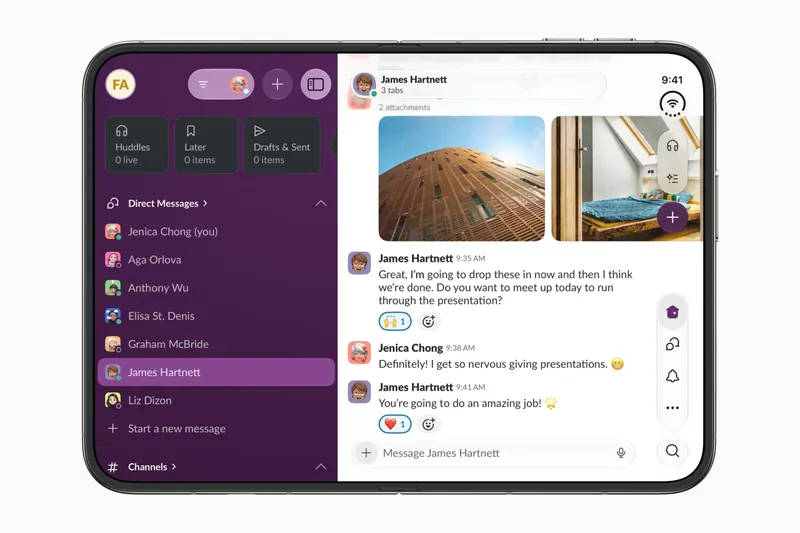
The best iPhone Duo apps so far (October 2026)
The apps worth installing on day one, from Apple's four launch partners to indie apps whose developers have shown a real iPhone Duo layout, picked for what they do when you open the phone.
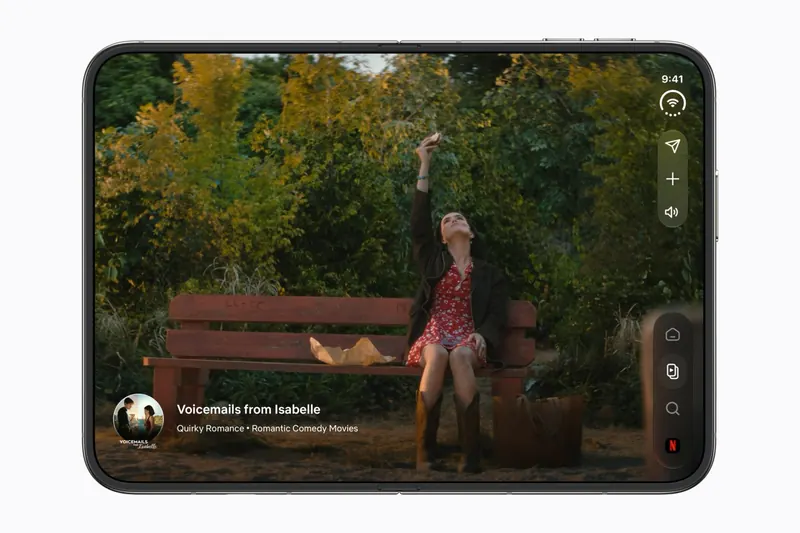
Do your apps work on iPhone Duo? What happens before they're updated
Every iPhone app opens on iPhone Duo, but only updated ones fill the inner display. What an app looks like before its developer adapts it, how to tell which are ready, and which popular apps have said so.
Is this your app?
Add the badge to your site or press kit. It links back to this page, where fans can upvote you.

<a href="https://foldhunt.com/apps/sticky-widgets/"><img src="https://foldhunt.com/badges/featured-on-foldhunt.svg" alt="Featured on FoldHunt" width="220" height="54"></a>Need to update the listing? Email the editor.
Sources: Sticky Widgets press kit, with an iPhone Duo screenshot (stickywidgets.app) · Sticky Widgets on the App Store (apps.apple.com) · Tyler Hillsman's projects (tylerhillsman.com)
More for iPhone Duo

KeepCount
Tyler Hillsman / 1881 Digital, LLC
A board of tally counters: half-folded, counts sit above the fold and the buttons below
Simulator verified: Tyler Hillsman, the developer, in a submission to FoldHunt on October 17, 2026, with an unframed screenshot of the app in the iPhone Duo simulator in the press kit (keepcount.app). The App Store seller is 1881 Digital, LLC. The release notes for version 1.8 (released October 12, 2026) say KeepCount now adapts to the iPhone Duo's inner and outer displays, with a tabletop layout when it's partly folded.
- Book
- Closed
- Open

Calc Pro - The Best Calculator
Panoramic Software Inc.
Ten calculators and converters, with the tape of results beside the calculator when open
Simulator verified: Panoramic Software Inc., the developer, in a submission to FoldHunt on October 18, 2026, and in the App Store release notes for version 7.0.6 (released October 12, 2026), which describe the closed and open layouts. The app's page on the developer's website has pictures of both on the iPhone Duo.
- Closed
- Open

KeyboardKit
Kankoda Sweden AB
Keyboard settings that turn into a sidebar and a page when the Duo opens
Simulator verified: Daniel Saidi of Kankoda, in a KeyboardKit blog post with simulator screenshots, closed, half-folded and open (keyboardkit.com). The App Store seller is Kankoda Sweden AB (id 1568444977). The release notes for version 4.8.0 (released October 9, 2026): "This version adds a new split-screen design for the iPhone Duo and the iPad." On October 10, 2026, Daniel posted on X that all of Kankoda's apps are ready for the Duo's launch (@danielsaidi on X).
- Closed
- Book
- Open