
A film slate you shut to clap: the halves are the sticks, and each take is logged
Does Clap: Film Slate work on iPhone Duo?
Yes, and seen in a simulator recording: half open, the Duo is the slate, and shutting it claps and logs the take on the cover; open flat, the slate sits beside the shot log.
- Simulator verifiedDM Solutions and Development, the developer, in a submission to FoldHunt on October 21, 2026, with a recording of the app in the iPhone Duo simulator on YouTube; the developer says it was built and tested in the simulator with iOS 27.1 and Xcode 27.1. Version 1.0 came out on the App Store on October 22, 2026, and its description is written around the iPhone Duo: open upright, the sticks meet on the crease; lying open, the slate and the shot log share the two pages; shut, the cover shows the take just clapped and the next one.
Adapted for the fold
- Book · Partly folded
Half open, the phone is the clapperboard
Hold the Duo half open and upright: the timecode and the top stick are on the raised half, the board below, and the sticks meet on the crease. Shut it in front of the lens and the clap sounds as the halves meet, with a one-frame white flash, and the take is logged; shut it slowly for soft sticks.
- Closed · Outer display
Between takes on the cover
Closed, the cover shows the take you just clapped with its timecode and the next one in big letters, with Circle, NG and Undo, Tail and MOS for the next clap, a note for the take, and the shot log and slate settings.
- Open · Inner display
The slate and the shot log
Open flat and turned sideways, the slate is on one page and the shot log on the other, every take grouped by scene with its marks and notes. Export a PDF camera report or a CSV for the editor, or tap the sticks to clap.
- Split View · Two apps
A compact clapper
In Split View beside another app, Clap is a compact clapper: tap the sticks to clap.
About Clap: Film Slate
Clap: Film Slate turns an iPhone or iPad into a film slate. The board has production, roll, scene, take, director, camera, date, frame rate, INT/EXT, DAY/NIGHT and MOS, with a time-of-day LED timecode from 23.976 to 60 fps that holds on the clap, tail slates shown upside down, and one-tap new setups (23, 23A, 23B, skipping I and O). Each clap plays a sharp clap or a 1 kHz beep with a white flash exactly one frame long, and goes into a shot log by scene, where you circle keepers, mark NGs, add notes and share a PDF camera report or a CSV. It’s free to download with a 3-day trial of Clap Pro, then $5.99 a month, with no account, ads or tracking, and it works offline.
It’s made for the iPhone Duo, where the phone is the clapperboard. Hold it half open to the lens and shut it: the halves meeting are the sync mark, the clap sounds, the take is logged and the next one waits on the cover, where you can circle it, add a note or mark MOS without opening the phone. Opening it only a little and shutting it again doesn’t count as a take. Laid open flat, the slate and the shot log sit on facing pages. On other iPhones and iPad you tap the sticks. DM Solutions and Development also made Facing Pages and Short Pencil.
Evidence reviews
What we checked, when, and what the evidence establishes. Each record preserves the support label at that check.
· Simulator recording reviewed
Simulator verified · iphone-duo
Looked through the developer's 18-second YouTube video, labeled iPhone Duo simulator, in its frame previews: the slate half open and upright with the LED timecode running and the sticks meeting at the crease on scene 23B, take 4; after the shut, the cover with take 4 logged and Take 5 next, then circled without opening; and open flat, the slate on take 5 beside the shot log. The stills on the app's site match.
Poses shown: Book, Closed, Open. These are observations of the evidence, not a test of every interaction.
App version: Not recorded in this evidence. Environment: iPhone Duo simulator.
Seen at one-second steps, so the moment of the clap, its sound and the one-frame flash weren't checked. Split View isn't shown. The video gives no version; the developer says iOS 27.1 and Xcode 27.1. No build was tested.
View reviewed evidence ↗
Watch it unfold
Related guides
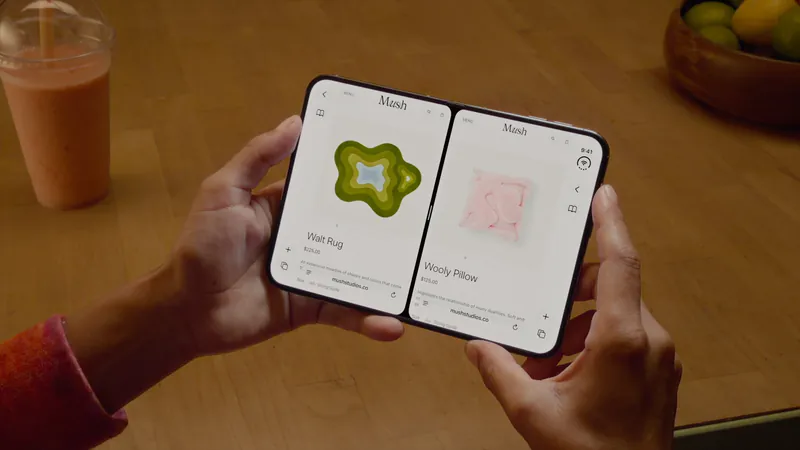
Split View on iPhone Duo: two apps side by side
iPhone Duo is the first iPhone that can show two apps at once. How Split View works, what its limits are, and which apps are built to share the screen.
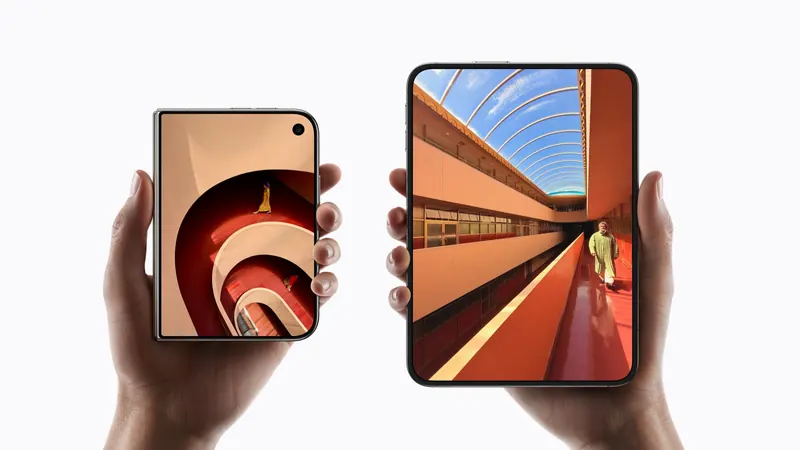
iPhone Duo poses: closed, open, book, standing and Split View
A plain-language guide to the ways you will hold iPhone Duo, what the phone itself does in each, and the apps and ideas that make the most of them. For anyone buying one, and for anyone building for it.
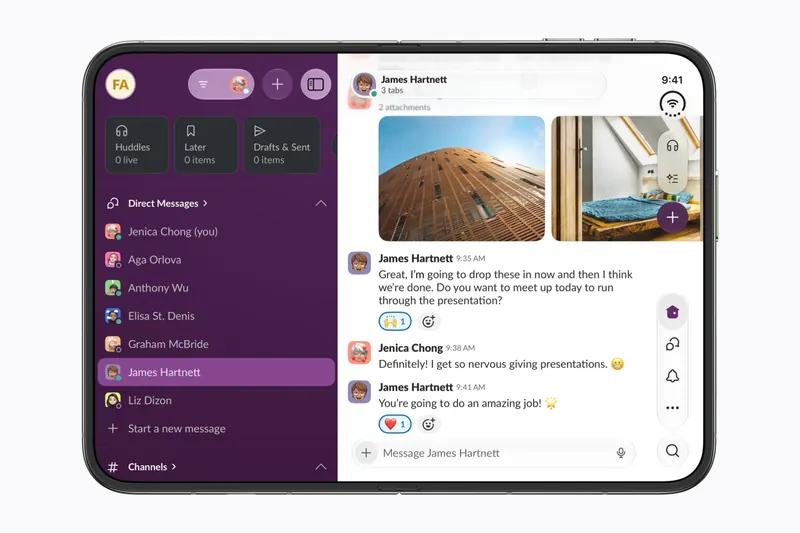
The best iPhone Duo apps so far (October 2026)
The apps worth installing now that iPhone Duo is on sale, from the apps Apple named as launch partners to indie apps whose developers have shown a real iPhone Duo layout, picked for what they do when you open the phone.
Is this your app?
Add the badge to your site or press kit. It links back to this page, where fans can upvote you.

<a href="https://foldhunt.com/apps/clap-film-slate/"><img src="https://foldhunt.com/badges/featured-on-foldhunt.svg" alt="Featured on FoldHunt" width="220" height="54"></a>Need to update the listing? Email the editor.
Sources: Clap: Film Slate on the App Store (apps.apple.com) · Clap on iPhone Duo, on the app's website (clapfilm.app) · Clap Slate iPhone Duo App (YouTube) (youtube.com)
More for iPhone Duo

Detail
Detail Technologies
On-device AI video creation, built on the new Core AI framework.
Launch partner: Named by Apple as an iPhone Duo launch partner.
- Open
Edits
Instagram's video editor, with the timeline, tools and video together on the open Duo
Launch partner: Named by Apple in its Newsroom article of October 22, 2026, on apps optimized for iPhone Duo. The App Store release notes for version 453.1 (released October 27, 2026) don't mention the Duo.
- Open

VLLO
Vimosoft
Video editor with more of its controls and your footage on screen when open
Launch partner: Named by Apple in its Newsroom article of October 22, 2026, on apps optimized for iPhone Duo. The App Store release notes for version 15.0.3 (released October 27, 2026) say: "[Optimized for iPhone Duo] We’ve optimized the UI for a smoother experience on iPhone Duo."
- Open