
Scripture memory practice, with controls in reach on the cover and text clear of the fold
Does Meno — Scripture Memory work on iPhone Duo?
Duo support is announced, not out yet: the developer has merged Duo fixes for practice, forms and half-folded onboarding, checked in the simulator. The App Store still has 1.0.
- Developer claimedJustin Rhoads, the developer, in merged GitHub pull request 12, which reports checking the layouts in the iPhone Duo simulator closed, open, rotated and half-folded. There are no pictures of it on the Duo yet.
Adapted for the fold
- Closed · Outer display
Practice controls in reach
On the cover, practice screens are shorter, so Keep going, Stop for today and the Check button for typing stay within reach.
- Open · Inner display
Previews beside onboarding text
Open, each onboarding step puts its words and buttons beside a preview, and the passage picker is centered.
- Book · Partly folded
Text clear of the crease
Half-folded, onboarding moves into the leading half, and the session summary keeps its side rail so the crease falls between columns.
About Meno — Scripture Memory
Meno helps you learn Scripture by heart through reading, typing and recitation practice. The developer has merged Duo fixes that keep actions within reach on the short cover screen, put onboarding previews beside their text when open, and keep half-folded content clear of the crease. The App Store version, 1.0, predates them.
Evidence reviews
What we checked, when, and what the evidence establishes. Each record preserves the support label at that check.
· Developer statement reviewed
Developer claimed · iphone-duo
Read the merged Duo layout fixes and the source changes. The developer reports simulator checks closed, open, rotated and half-folded, with fixes to modal padding, onboarding and practice controls.
Poses shown: Closed, Open, Book. These are observations of the evidence, not a test of every interaction.
App version: Not recorded in this evidence.
A written report and source code only; no screenshots, recording or build were reviewed. The developer says Split View was not tested. App Store version 1.0 predates this merge, so whether the fixes have shipped is unconfirmed.
View reviewed evidence ↗
Related guides
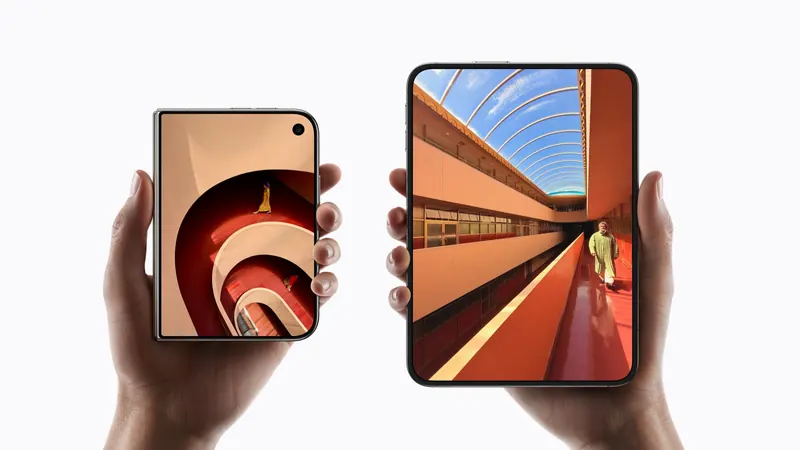
iPhone Duo poses: closed, open, book, standing and Split View
A plain-language guide to the ways you will hold iPhone Duo, what the phone itself does in each, and the apps and ideas that make the most of them. For anyone buying one, and for anyone building for it.
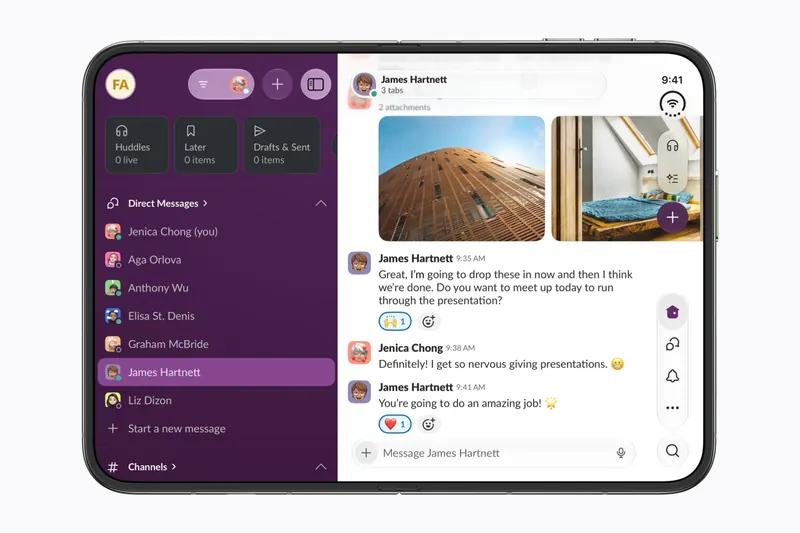
The best iPhone Duo apps so far (October 2026)
The apps worth installing now that iPhone Duo is on sale, from the apps Apple named as launch partners to indie apps whose developers have shown a real iPhone Duo layout, picked for what they do when you open the phone.
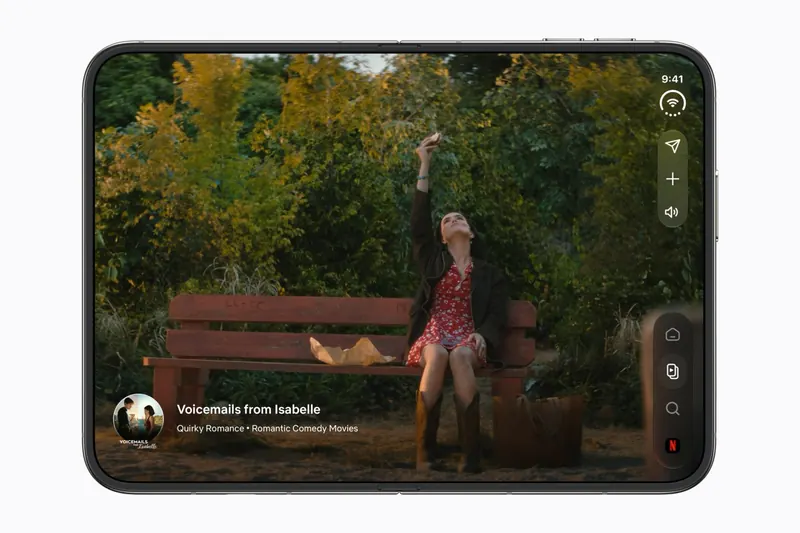
Do your apps work on iPhone Duo? What happens before they're updated
Every iPhone app opens on iPhone Duo, but only updated ones fill the inner display. What an app looks like before its developer adapts it, how to tell which are ready, and which popular apps have said so.
Is this your app?
Add the badge to your site or press kit. It links back to this page, where fans can upvote you.

<a href="https://foldhunt.com/apps/meno-scripture-memory/"><img src="https://foldhunt.com/badges/featured-on-foldhunt.svg" alt="Featured on FoldHunt" width="220" height="54"></a>Need to update the listing? Email the editor.
Sources: Merged Duo layout fixes (github.com) · Meno source (github.com) · Meno on the App Store (apps.apple.com)
More for iPhone Duo

Sky Guide
Fifth Star Labs LLC
A stargazing guide whose sky view widens as the phone unfolds
Launch partner: Named by Apple in its Newsroom article of October 22, 2026, on apps optimized for iPhone Duo. The App Store release notes for version 13.1 (released October 14, 2026) say Sky Guide is optimized for iPhone Duo and that the sky view widens as the phone unfolds.
- Open

DexFold
Hernan Rosario / IntraPixel
A talking Dex that folds like the real one, with a data screen when half-folded
Simulator verified: IntraPixel, the developer, in a submission to FoldHunt on October 18, 2026, with pictures of the closed and open layouts on the app's website (intrapixel.com). The App Store seller is Hernan Rosario. The App Store description describes the closed, open and half-folded layouts.
- Closed
- Open
- Book

Nihongo
Serpenti Sei Japan LLC
A Japanese dictionary that keeps the page you're reading beside the definitions
Simulator verified: Serpenti Sei Japan, the developer, in a submission to FoldHunt on October 9, 2026, saying the iPhone Duo update will be on the App Store in time for the October 23 launch, with a screen recording of it in the iPhone Duo simulator (screen.studio). The developer says the layout was also tried on a real iPhone Duo at a workshop at Apple's Japan headquarters. The App Store seller is Serpenti Sei Japan LLC (id 881697245). The release notes for version 1.36 (released October 19, 2026) say Nihongo adapts as you fold and unfold iPhone Duo, making the most of both displays.
- Open
- Book